
I’ve been using the Ray-Ban Metas, the Meta Ray-Ban Display and the Oakley Meta Vanguard for the better part of a year, and they’ve proven to be some of the most capable and best smart glasses around. I’ve found them exceptionally handy for taking pictures and video on the go, listening to music, keeping tabs on conversations, and finding out general info about things that are in front of me.
However, at Google I/O 2026, Google finally revealed Google Glass 2.0 its Intelligent Eyewear, which are due out this fall. Although the introduction was brief, what I saw impressed me in a few ways — most notably, the things they offer that Meta’s smart glasses do not.
Fortunately for Meta, it has a few months to improve its own products — which no doubt we’ll see at Meta Connect 26 in September. Here are the three big things that Meta will need to add to keep up with Google.

Maps and directions
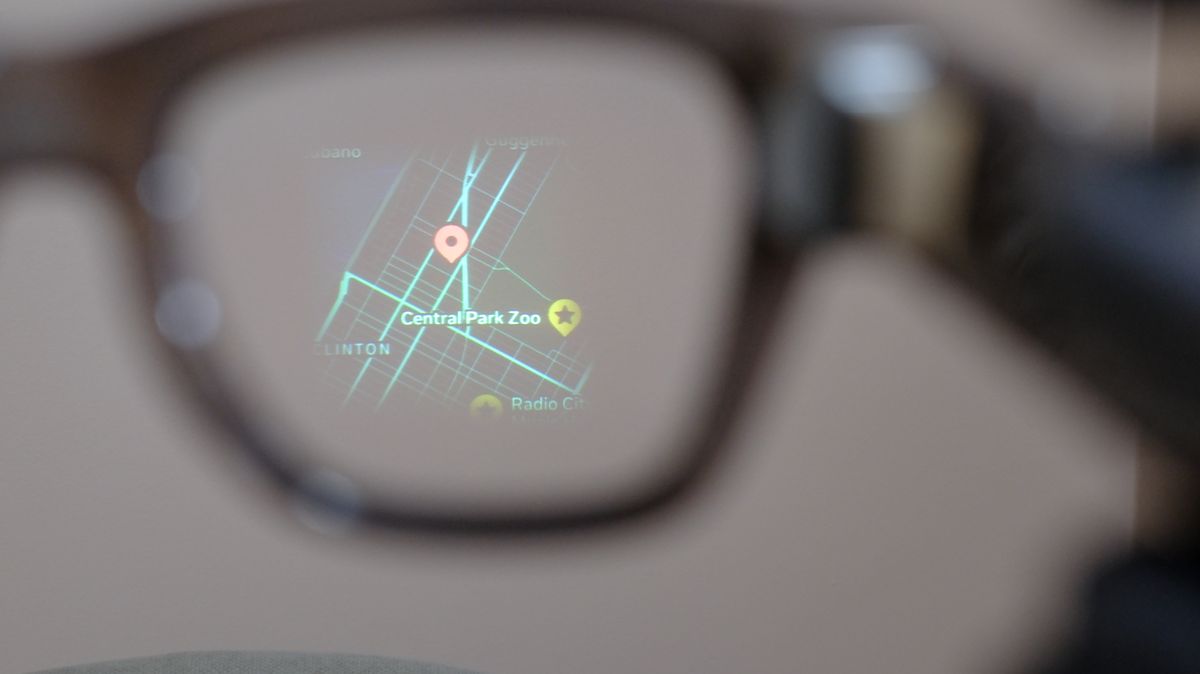
Apart from search, one of Google’s biggest assets is Google Maps, so it’s no surprise that turn-by-turn directions are one of the features included in its eyewear. Not only that, but Gemini will also be able to add stops to your route as you go.
Currently, only the Meta Ray-Ban Displays provide native navigation, and it’s only recently been updated to include the entire U.S., and a few cities abroad, such as London, Paris, and Rome. And, they’re only walking directions.
This is something that’s going to have to get a lot more comprehensive, and also become available on all of its smart glasses.
Taking (and editing) photos

More than anything, I use Meta’s smart glasses to take photos and videos, as it’s so much more convenient and faster than pulling my phone out of my pocket. However, smart glasses’ cameras are much less capable than those on smart phones, so I know I’m making a bit of a tradeoff.
Google’s smart glasses will let you use Nano Banana to instantly edit the photos you take, to remove background objects or even do something sillier, like putting mustaches on everyone in the picture. Hilarity aside, the Nano Banana integration could help remove, or at least mitigate, one of the key disadvantages of a smart glasses’ camera.
A recent update to all of Meta’s cameras lets you automatically crop photos where a portion is covered by a hat or hair — a very welcome feature — but it’s going to have to go a bit further. Meta does allow you to use AI tools to edit photos you take from within the app, but you can’t make these changes proactively.
Greater app support
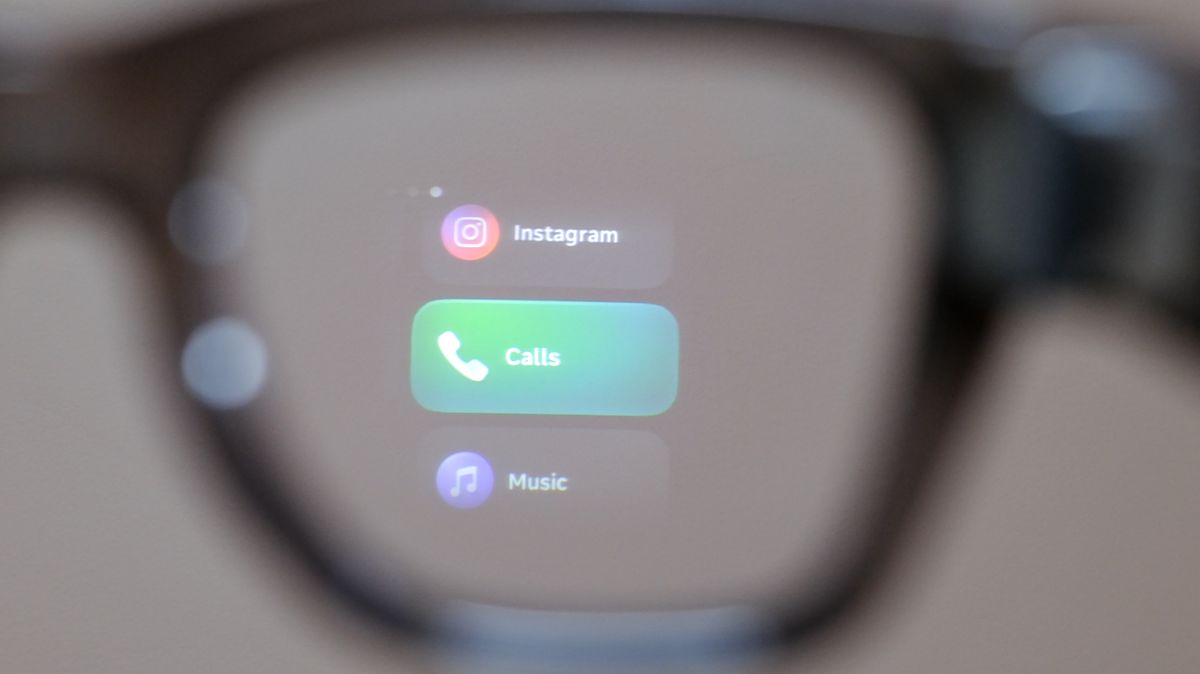
Thanks to its history of acquisitions, Meta has some pretty useful apps in its portfolio, most notably Whatsapp and Instagram. And, its smart glasses also work well with major music apps (Spotify, Apple Music, Amazon Music) as well as Garmin and Strava. But that’s not nearly enough.
At the keynote, Google announced that its glasses would work with a host of apps, such as Uber, Doordash, and more. It’s not clear if the apps need to be integrated with the glasses themselves, or if you merely need to connect them via Gemini — which would save a lot of app development time.
Regardless of how it’s accomplished — and this is something I noted in my Meta Ray-Ban Display review — there needs to be far greater integration with third-party apps and services.
To its credit, Meta did announce it was launching developer access, so you can start building Web apps for the glasses. But, this will need to be extended to all of its devices, not just the premium Displays, and it will need to get some major companies on board.
Outlook
There’s a lot of time between now and when the Google Intelligent Eyewear makes its debut this fall, and Meta does have a strong early lead in actually producing smart glasses.
Still, Google has some real strengths where it can leverage its massive portfolio of businesses, services, and AI to its advantage. Before Thanksgiving rolls around, Zuckerberg and Co. could be playing catch-up — and by then, it may be too late.

Follow Tom’s Guide on Google News and add us as a preferred source to get our up-to-date news, analysis, and reviews in your feeds. Subscribe to Tom’s Guide on YouTube and follow us on TikTok. Finally, you can visit our dedicated Tom’s Guide Savings Squad hub for expert help on getting the best products for less.