I use Apple’s “Hide My Email” feature virtually every time an app asks me for an email address. I almost never share my actual email, unless I really trust the company or service asking for it or know it’ll make my life easier in the long run. (If you’ve ever tried confirming a Hide My Email alias with a customer service rep, you know what I mean.)
Unfortunately, it seems Apple is planning to reduce Hide My Email’s efficacy, making it more likely that I’ll share my real email address the next time I sign up for a service. But luckily, even if Apple makes Hide My Email worse, there are alternatives to consider.
What is Hide My Email?
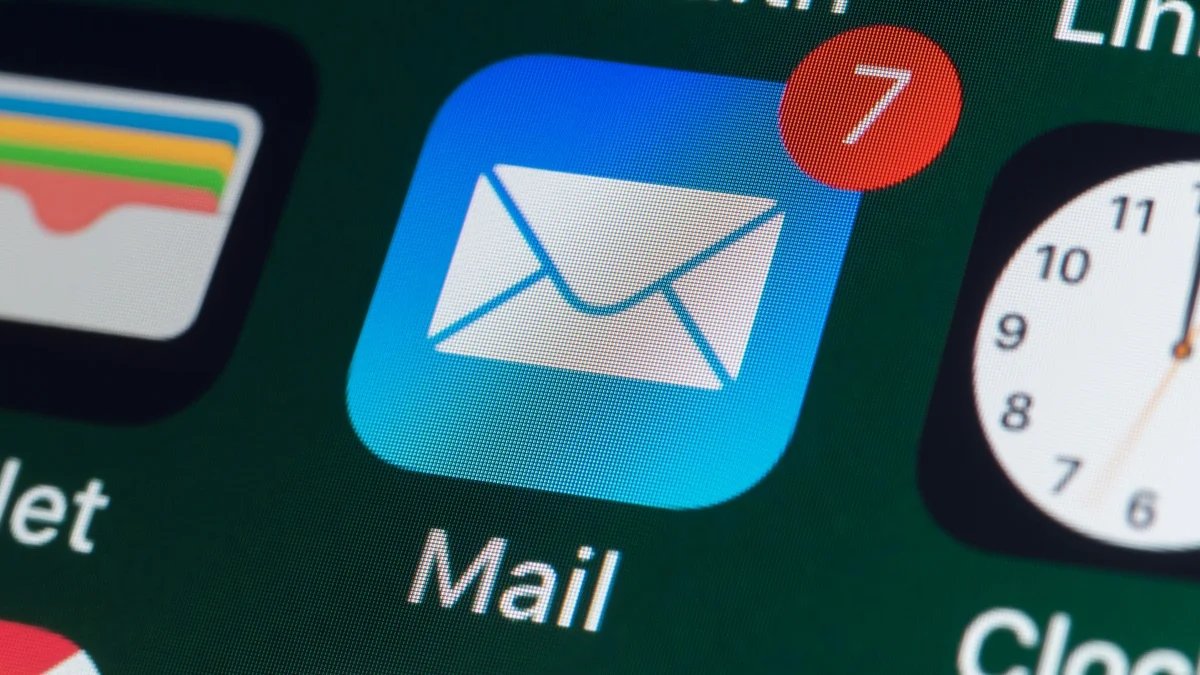
If you aren’t familiar with this privacy tool, here’s the gist: If you have an iCloud+ subscription, Hide My Email generates email “aliases” that forward messages to your real email address. You can use these aliases anywhere you would normally use your actual email, retaining some anonymity without sacrificing the convenience of using a single inbox.
Let’s say you’re signing up for a new account somewhere. Rather than use your real email address when asked, you can use Hide My Email to generate a unique, random address—something like “[email protected]” (seriously, they really look like this). As silly as the aliases can be, they’re invaluable for preserving your privacy: Any messages sent to these aliases will forward to your actual inbox. You’ll receive the email as if someone sent it to your real address, without ever actually exposing your address to the contact. What’s more, if that alias is ever compromised, you can shut it down without affecting your actual email address. Win-win.
How Apple is making Hide My Email worse
This system has been working for years without issue. So, naturally, Apple is planning on making things worse. As reported by TechCrunch, the company is prepping to unify its “Hide My Email” alias domains with “Sign in with Apple” domains. If you’ve ever used Sign in with Apple—the feature that lets you sign up for services with your Apple Account—you may know the feature generates privaterelay.appleid.com domains for your account address. Going forward, both Sign in with Apple and Hide My Email will use private.icloud.com domains. In the example above, your email alias would be “[email protected]” instead of “[email protected].”
What do you think so far?
From Apple’s perspective, this simplifies its processes, keeping both of its privacy login features tied to the same domain. But for the rest of us, it breaks Hide My Email a bit. The existing setup ensures that your Hide My Email alias cannot be distinguished from a standard iCloud email. While a human might see [email protected] and know something’s odd, a system will only know that the email address is a valid @icloud.com address. As such, it treats the alias as any other iCloud email, and lets you through. The new domain, however, signals to anyone (or any system) that your email address is actually an alias. Companies could potentially block @private.icloud.com domains from signing up for services, defeating the purpose of Hide My Email entirely.
Apple says existing Hide My Email domains will continue to operate normally, so your old aliases will carry on fine. But once the changes take effect, new aliases run the risk of failure. I would begrudingly continue using the feature if most companies and services don’t end up treating @private.icloud.com addresses any differently from a typical domain. But if it becomes commonplace to block these Hide My Email aliases, that changes things.
Email alias alternatives you can use instead
If these changes do indeed impact Hide My Email’s effectiveness, don’t fret: There are alternatives out there you can try. Proton Mail, for example, has its own version of the feature, and while it requires a paid subscription for unlimited aliases, you can generate 10 for free. DuckDuckGo has its own version too, called Email Protection, which generates aliases using the domain @duck.com. Mozilla has an option in Firefox Relay, which also works with phone numbers; if you’re looking to totally conceal your contact information from companies and services, that might be your best bet.