
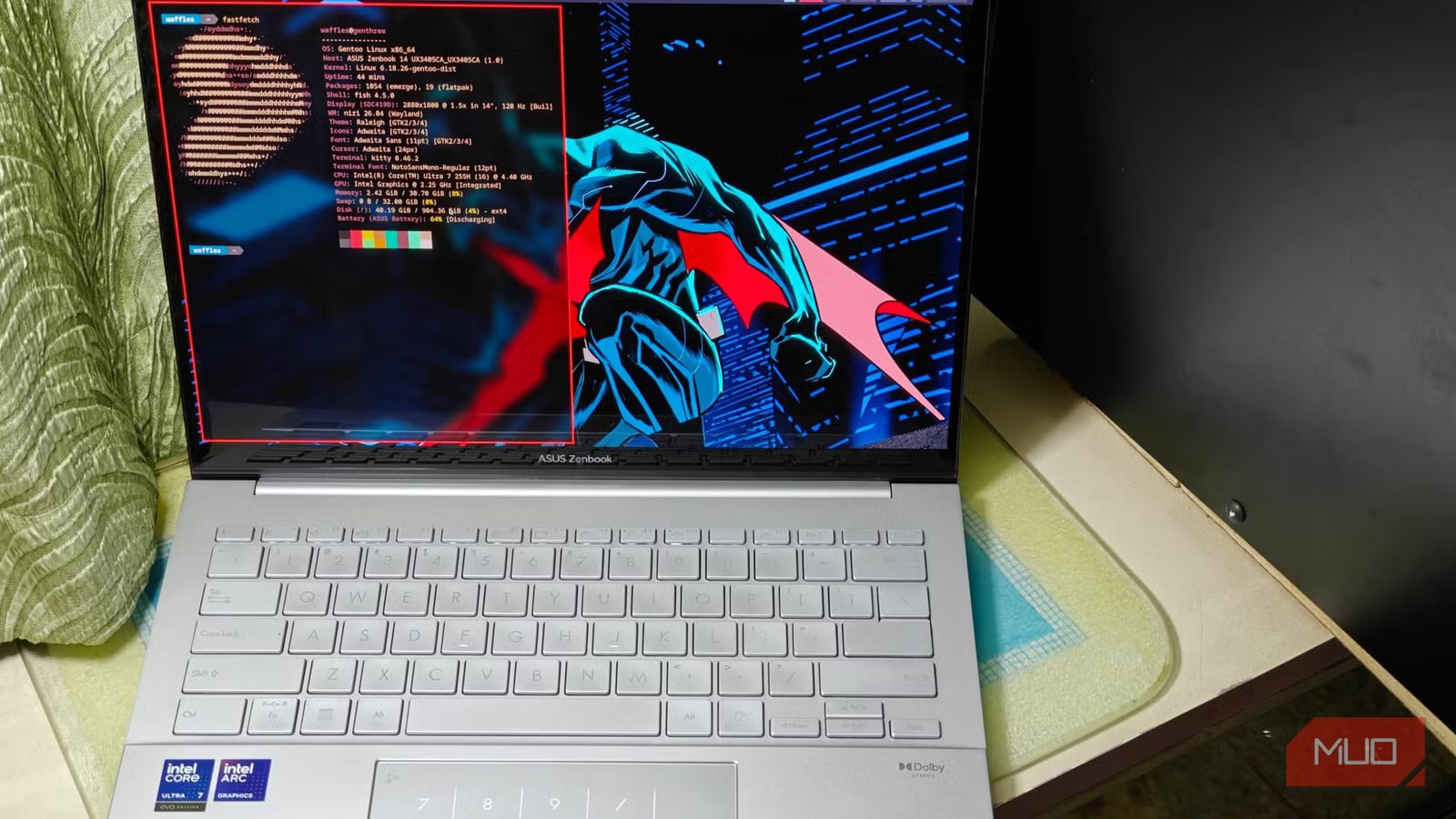
Gentoo Linux has always been a bit of a fascinating distro. With an initial release in March 2002, Gentoo has been in the Linux space for quite some time now, standing through the test of time and is still well-supported.
Unlike Arch and most other Linux distributions, Gentoo is a source-based distro wherein users are expected to customize and compile every package. It sounds daunting (which it is, to an extent) but this trade-off is necessary to squeeze as much performance and optimization out of a system.
I’ve previously used Arch Linux, so I had some idea of how the whole setup and installation process would work out. Or so I thought. Turns out, Gentoo can be terribly complex and beautiful at the same time, and the more I use it, the more I understand its strange appeal.
Installing Gentoo on real hardware
It’s all about patience

Installing Gentoo wasn’t exactly as straightforward as downloading an ISO file. While there is a minimal, live installation disc, it’s not generally recommended since there are a LOT of commands you’ll want to copy-paste in.
I opted for the KDE live image, just so I could gain access to a browser and connect to Wi-Fi without much hassle. Even then, Gentoo does not provide any quick installers of that kind — you’ll have to go through each step manually. Other than the basic KDE stuff, the live ISO contains a “helpful” link to the Gentoo Handbook and nothing else.
Gentoo can also be installed from other live media, such as Linux Mint. Refer to the handbook for more info.
Going through the installation was more tedious than difficult. For the most part, Gentoo should feel right at home for Arch users, even if the complexity shoots up by several degrees here, making for a complete custom kernel and system packages.
After a lot of copy-pasting and some degree of improvisation, I was finally ready to install the base Gentoo system. This was the hardest part of the installation, and took some time to finish compiling.
This would have taken hours if not for the recently added binary repos, which (as the name implies) simply downloads a pre-built package that speeds up the whole process.
Now, you could argue that going binary defeats what Gentoo stands for, and while that is debatable, binary packages serve most of the user base just fine, and not everyone has the time or patience to compile everything from scratch.
I also installed the SystemD image like a true heretic, and to maintain compatibility with most of my apps that I already use in an Arch-based installation.
Of course, not everything is present in these binary repos. Steam, for example, involved a tedious installation process that had me compile the whole thing. That being said, the major components can now be simply downloaded from a repo, making Gentoo far more accessible than it has ever been before.
Your installation time will also vary greatly on your host PC. If you have a potato, expect painfully slow installations and vice versa.
With everything compiled, I finally created a separate user and set passwords for both the user and root. One reboot later, and I was up and running Gentoo on my laptop, but the customization was far from complete.
Arch but with way more customization
Min-max everything
One of Gentoo’s greatest strengths, other than its no-frills, minimal approach, is in its use of packages that have been optimized for the system in question. Not every CPU is the same, and I had to manually set in build flags in /etc/portage/make.conf to reflect it. The Gentoo Wiki is an indispensable source of information, and I highly recommend using it as your main guide.
Most of it is achieved through the use of USE flags, within the same make.conf file I mentioned earlier. This is where things get interesting.
Gentoo lets users set flags for packages system-wide if needed, so you can globally enable or disable things like Bluetooth, Wi-Fi access, and more.
This helps create a “bloat-free”, minimal installation that feels snappy and doesn’t pull in every imaginable dependency.
There’s also package-specific optimizations, which do have a significant impact on performance and system snappiness.
Not everything works
Manual intervention is sometimes needed

Of course, not everything is perfect. Gentoo has its fair share of problems, and all of them have to do with its quirky distribution and build system. As a result, a lot of (the admittedly niche) packages that I use with this laptop were simply not available natively.
An example of this would be the i915-sriov-dkms module, which lets me split my Intel Arc iGPU into virtual graphics devices, each of which can be passed to a virtual machine. It’s a great way to get GPU acceleration working in VMs. Now, going back to the package, installing it was a headache.
Gentoo simply does not have a binary or ebuild package for it in the repos, so I had to git clone and install accordingly. Even then, the installation was a complete failure and I couldn’t load the DKMS modules into my kernel.
Now, I’m pretty sure that it should be doable with some extra effort, but that is kind of a recurring problem with Gentoo. It is in no way beginner-friendly, but it doesn’t pretend to be one either. For most users, something like Arch Linux or even CachyOS would serve just fine, being a lot more accessible and still retaining the same level of control.
There’s also the fact that most packages in Gentoo still require manual flagging and compiling. Yes, pre-built binaries are a thing now, but they’re just reserved to the bare essentials for now. Anything extra you will have to build from source. Or choose a Flatpak.
A fascinating distribution that’s quite unlike anything else
All things considered though, I’m starting to warm up to Gentoo. It’s already replaced Arch in one of my laptops, and I don’t see myself removing it anytime soon. I very much like the idea of being able to build a system from scratch and having even more control over my packages and their capabilities. I’ll still be rocking Arch Linux on my main machine, though.



