
“If you see a stylus, they blew it.” Those words came out of Steve Jobs’ mouth during the unveiling of the very first iPhone almost 20 years ago. I’m coming at you today to tell you that Jobs was wrong, though not in the way you might think. “Stylus” isn’t a dirty word, and smartphones can gain a lot from them. But that doesn’t mean phones should be overly reliant on their own miniature fake pens.
The year 2007 was a very different world for smartphones, and the idea of offering a device that only offered touchscreen controls was considered madness by many people. It was a world where phones were built around imposing physical keyboards, a lot of buttons and the tickety-tack of the stylus as suit-clad businessmen went about their day.
Late ’00s touchscreens were absolute garbage by modern standards, and Apple was aiming to influence the hearts and minds of consumers with its multi-touch displays. Obviously, that gamble paid off in more ways than Apple could have predicted, and it only took a few years for touchscreens to dominate the smartphone industry and obliterate the alternatives’ chances of regaining their lost glory.
With hindsight, it’s clear that Jobs was going nuclear on the stylus to emphasize just how good the iPhone’s touchscreen actually was. Nothing shows a lack of confidence like having a backup for your game-changing new technology, after all. But touchscreens have long since proven themselves, and the limitations of the technology are just as clear as the benefits. This means it’s high time that stylus support made a comeback and fixed some of the lingering touchscreen issues.
The stylus can do the things your fingers can’t
Take a look at your fingers right now, and then think about them in relation to the icons on your phone screen. Odds are, unless you have abnormally large fingertips, that they’re almost perfectly sized to control the vast majority of what’s happening on your phone screen.
That’s by design, because it doesn’t matter whether you have the skinniest fingers in the world, they’re not going to be small enough to offer a great deal of finesse on a touchscreen. It’s why your app icons look the way they are, and why menus and other on-screen graphics tend to be much larger than you’ll find on Windows PCs or Macs.
Some things are significantly harder, or downright impossible, to do with your finger on a touchscreen compared to some kind of writing implement. If you’ve ever had to sign for a delivery on a tablet, and end up giving up signing your actual signature in favor of a random squiggle, then you’ll know what I’m talking about.
I’ve used many different stylus-friendly devices in recent months, and each device has shown me the merits of being able to interact with your phone using a utensil rather than being stuck with your hands.
Stylii that get it right
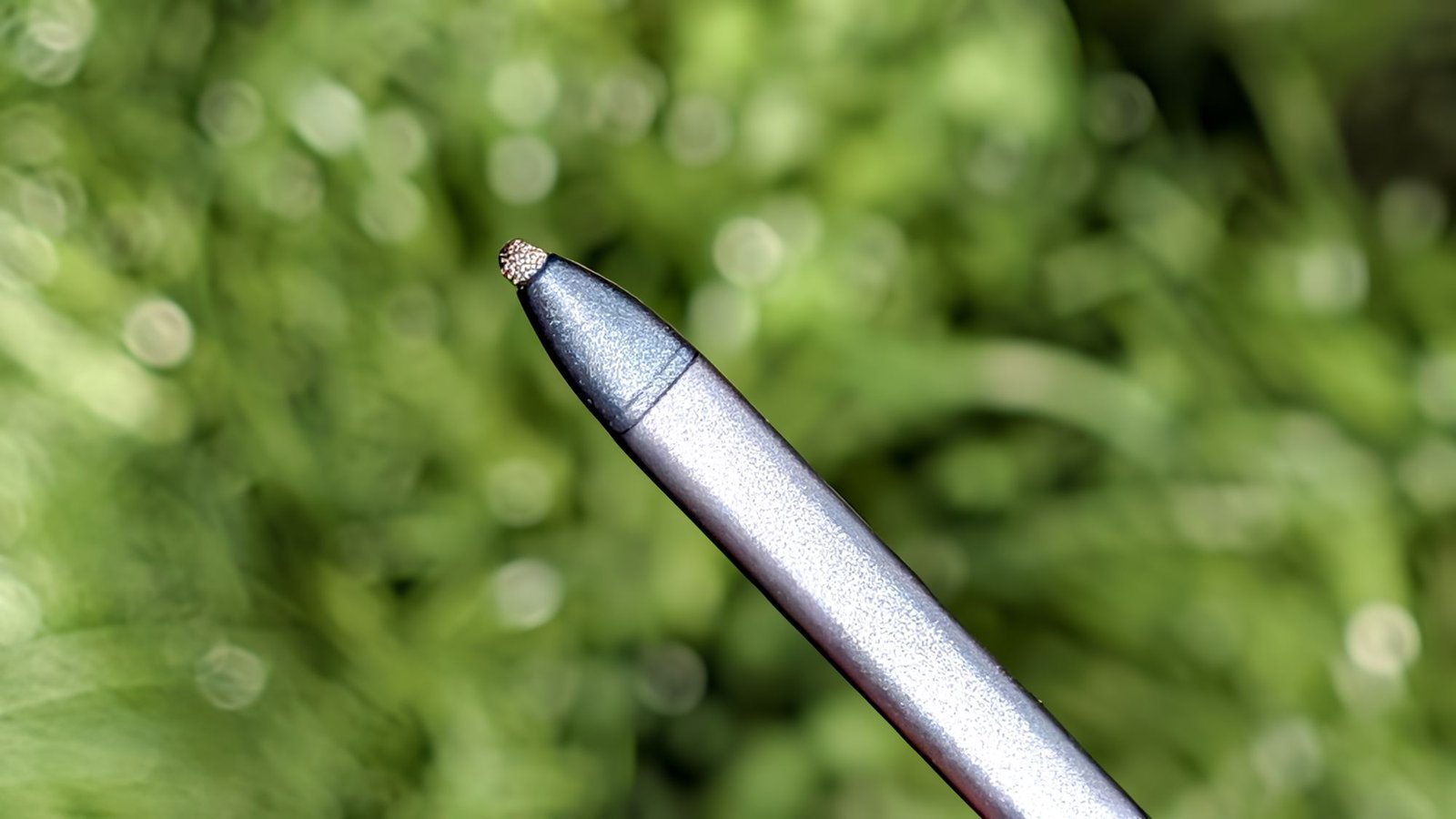
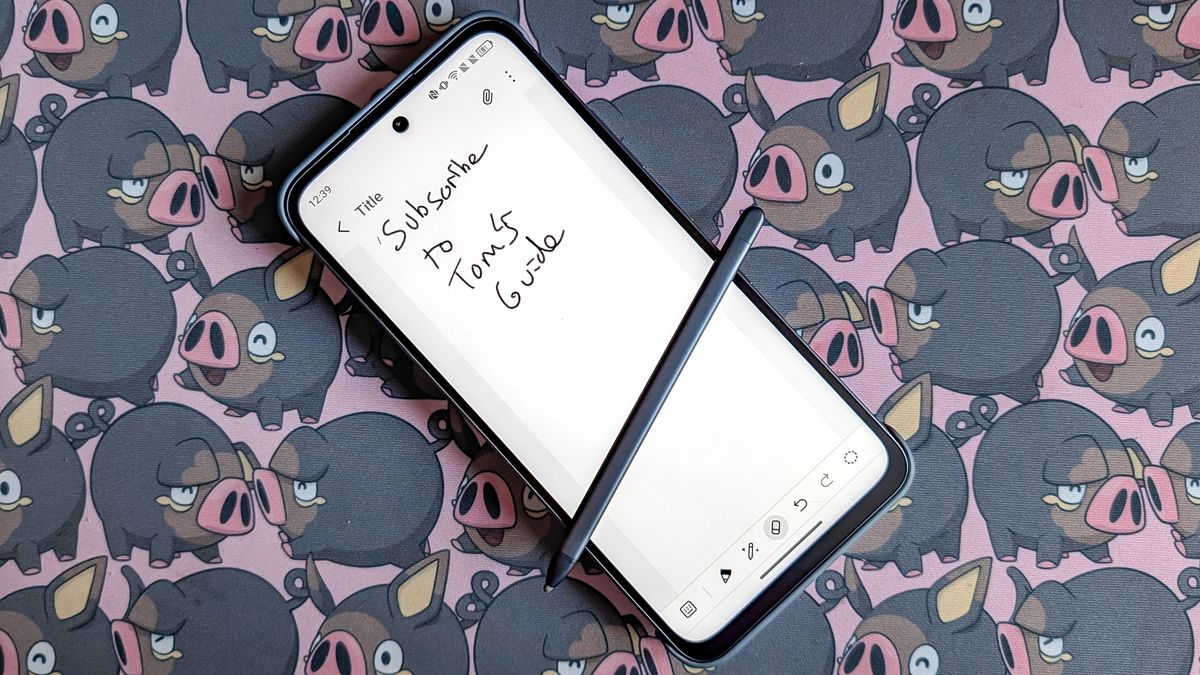
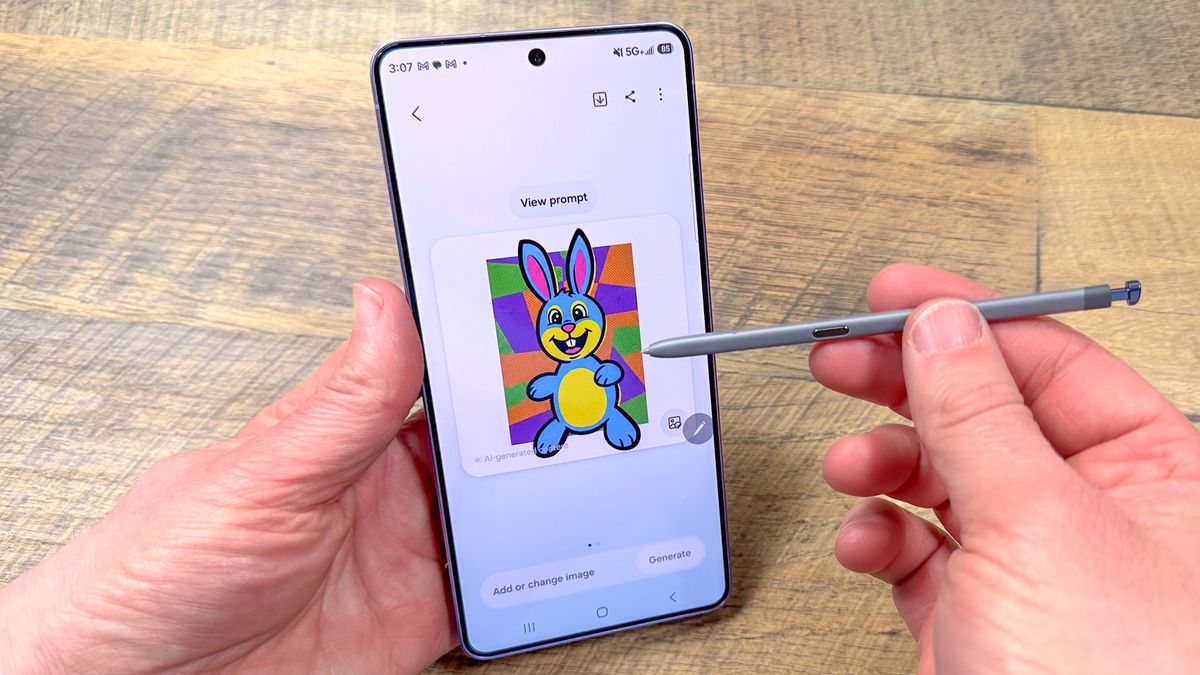
TCL’s Nxtpaper 70 Pro stylus is the closest I’ve come to emulating the experience of writing on paper, which has been incredibly satisfying when taking notes — even if the stylus itself is a little small to be comfortable over long periods. Likewise, the S Pen on the Galaxy S26 Ultra has such a fine tip that it’s capable of hitting very specific points on my screen. That’s been especially useful if I ever need to edit on my phone, rather than a laptop, since the S Pen offers noticeably more accuracy than my fingers ever could.

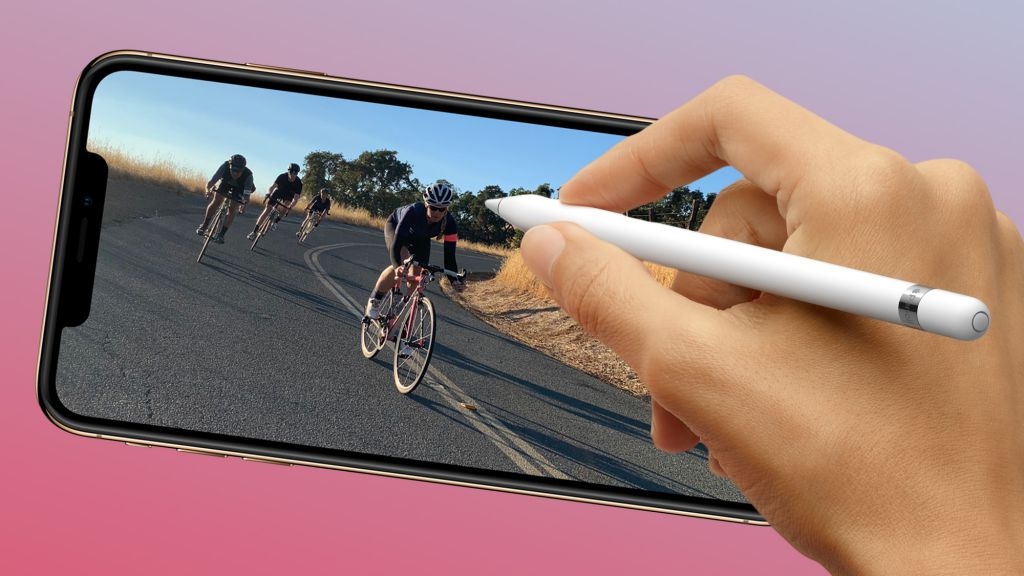
Meanwhile, the Apple Pencil (USB-C) that I use with my iPad 10 is a fairly basic stylus in the grand scheme of things, but the pen-like size and design mean it feels a lot more natural compared to the smaller smartphone-friendly styli. That’s ideal for more accurate drawing, signatures and writing that involves more than just hastily scribbled-down notes.
There are plenty of things I would change, but since I have never had the opportunity to use an Apple Pencil Pro, I can’t say whether Apple has already tackled them on more premium devices.
But as useful as using a stylus can be, smartphone makers need to make sure they don’t fall back on the kind of habits that Steve Jobs and Apple were fighting against back in 2007 — and turning it into a crutch that’s needed for every last function
Overreliance would be a recipe for disaster
Back in the pre-iPhone days, the stylus was everywhere, and you couldn’t really find a touchscreen that didn’t utilize one. Heck, even gaming wasn’t immune to their influence, following the 2004 release of the Nintendo DS. iPhones helped show that you didn’t need a stylus if the touchscreen was built correctly.
Nowadays, the stylus is a useful tool, but it’s also incredibly niche and a bit of a hassle to use. Touchscreens and mobile keyboards have improved to the extent that attempting to type with a stylus is significantly slower and less efficient than simply using your hands. Even on a tablet, which arguably has more to gain from stylus support thanks to the larger screen, my experience is that attempting to use a stylus in place of regular touch controls only causes more problems.
You also need to remember that very few stylus-friendly phones actually take the stylus into account during the design phase. Unless you have a Galaxy S26 Ultra, which has an S Pen slot in the bottom left corner of the phone, you’re going to need to find an alternative method of stylus storage. But even if you can get hold of a special case with stylus storage, it’s going to take up more room than it otherwise would have — and that does get in the way very easily.
What I’m saying is that it doesn’t matter how useful a stylus might be; using them is actually very inconvenient. I can’t tell you the number of times I unclip my Apple Pencil from my iPad and find that the battery has run out — rendering it a useless hunk of plastic until I can source a USB-C cable.
Potential problems differ from stylus to stylus, and are wholly dependent on the design in question. Still, the possibilities of something going wrong are far higher than they are with a touchscreen, and the last thing anyone wants is to lose access to their phone because something went wrong with the stylus.
Bottom line
My current daily driver is a Pixel 10 Pro, and like other Google phones, it has absolutely no stylus support whatsoever. Obviously, I don’t count the cheap rubber styli that are about as effective and useful as a wet paper bag full of eggs. Considering how most smartphones are designed with touch in mind, stylus support isn’t exactly essential.
But it’s also not essential that I eat a family-size bar of chocolate in one sitting; it doesn’t mean I’m not going to do it when given the opportunity. Stylus support may not be an essential part of the smartphone experience, but it is still nice to have it — if only for the niche activities that fingers aren’t really suited for.
I will admit that a stylus fits better with tablets, as the larger screen gives the fake-pen a lot more to do. But this doesn’t necessarily mean that we should prevent them from being used on more smartphones. Over-relying on the stylus is a bad thing, as is forcing a potentially expensive peripheral on users that may not want it. But the stylus can still enhance the smartphone experience in a few crucial ways, and that definitely needs to be explored more.
So it’s about time we stopped taking 19-year-old snide comments about obsolete technology as absolute gospel. And yes, Apple, that does mean you should offer a stylus with the iPhone Fold.
Follow Tom’s Guide on Google News and add us as a preferred source to get our up-to-date news, analysis, and reviews in your feeds. Subscribe to Tom’s Guide on YouTube and follow us on TikTok.



