
I’ve been using Kate as the Notepad++ replacement on Windows for a while now, and KDE Connect for even longer to push files between my phone and PC. Both are excellent, both are free, and both come from KDE, the same project behind the Plasma desktop on Linux. What I didn’t realize until recently is how much else KDE ships for Windows. The same teams that build the apps Linux users swear by have been quietly maintaining Windows ports of a lot of them, and most of those ports are on the Microsoft Store.
Once I started looking, I kept finding small utilities that do one job better than the Windows defaults or paid alternatives I’d been putting up with. From a disk usage analyzer that shows you where your space went, a PDF reader that doesn’t try to sell you a subscription to a music tag editor that handles batch edits without the usual freeware junk, KDE makes some of the best free Windows apps that nobody talks about.
KDE Connect
Probably the most well-known KDE app on Windows

KDE Connect is the one most Windows users have heard of, mostly because it’s the obvious answer when Phone Link’s best features lock you out for not owning a Samsung. I’ve used Phone Link too, and it’s fine for notifications and calls, but lately it’s been plagued by reliability issues, and I haven’t been able to pair my phone with my PC for months now. KDE Connect doesn’t care what brand your phone is, and as long as both devices are on the same Wi-Fi, it just works.
The universal clipboard is another handy feature that I’ve come to appreciate on Phone Link, and it’s good to see it in KDE Connect as well. You can copy a password on your phone and paste it on your PC right away, with no Microsoft account in the mix. File transfers go both ways; the phone shows up as a browsable storage device on the PC, so file transfer is also taken care of.
Setup on Windows isn’t always smooth. The first time I installed it, my phone and PC just refused to see each other. The fix was usually a firewall rule blocking KDE Connectd, or AP isolation turned on at the router. Once those are sorted, it works without any issues.

- OS
-
Android, iOS, Windows, macOS, and Linux
- Price model
-
Free
KDE Connect allows your phone and computer to work together seamlessly by enabling file transfers, notifications, text replies, and clipboard sharing between devices over a secure wireless connection.
Kate
A versatile editor that quietly replaced Notepad++

Kate is what got me looking at the rest of KDE’s Windows apps in the first place. I’d used Notepad++ for years, but it had grown laggy on me, and I wasn’t keen on running VS Code just to edit a config file. Kate sits in the middle, lightweight enough to launch instantly, but capable enough that I haven’t missed Notepad++ since.
The interface is familiar. Tabbed documents in the middle, a sidebar for projects and open files, and a status bar at the bottom with Output, Diagnostics, Search, Project, and Terminal panels. It has a minimap for quick navigation, Split views for comparing two files side by side, and the built-in terminal drops in with F4 so you don’t have to alt-tab to a separate window.
Surprisingly, it also comes with LSP support. Install a language server, and Kate gives you autocomplete, jump-to-definition, and inline diagnostics for almost any language. The plugin ecosystem can feel a little limited and curated rather than an open marketplace, but for everyday writing and light coding, it covers the ground for what I use the editor for.

- OS
-
Windows, Linux, macOS
- Price model
-
Free
Kate is a free, open-source text editor from KDE with multi-document support, split views, syntax highlighting for hundreds of languages, built-in terminal, and powerful plugins for serious code editing.
Filelight
A disk usage analyzer that actually shows you where your space went
Among the disk space analyzers for Windows, WizTree is faster, I’ll give it that, but Filelight’s circular ring view shows you the shape of your disk in a way a sortable list never can. You launch it, click a drive, and watch as it builds out concentric rings where each color is a folder and gray is files. Hovering over a segment shows the path and total size. Clicking drills down, and the rings redraw around it.
The first time I ran it on my main SSD, I spotted a 40 GB Plex media folder I’d forgotten existed and a node_modules graveyard sitting under an old project.

I used Linux to clean up Windows — and it worked better than expected
I used Linux-born tools to clean Windows, and the results were surprisingly better.
Filelight is on the Microsoft Store, but the standalone installer from KDE’s Binary Factory is more recent. The Store version trails behind on updates, so it’s worth knowing if you want the latest fixes.

- OS
-
Linux. Windows
- Price model
-
Free
The Filelight application allows you to visualize disk usage on a computer. It shows folders using an easy-to-understand view of concentric rings, allowing you to easily free up space!
Okular
A PDF reader that doesn’t try to sell you a subscription

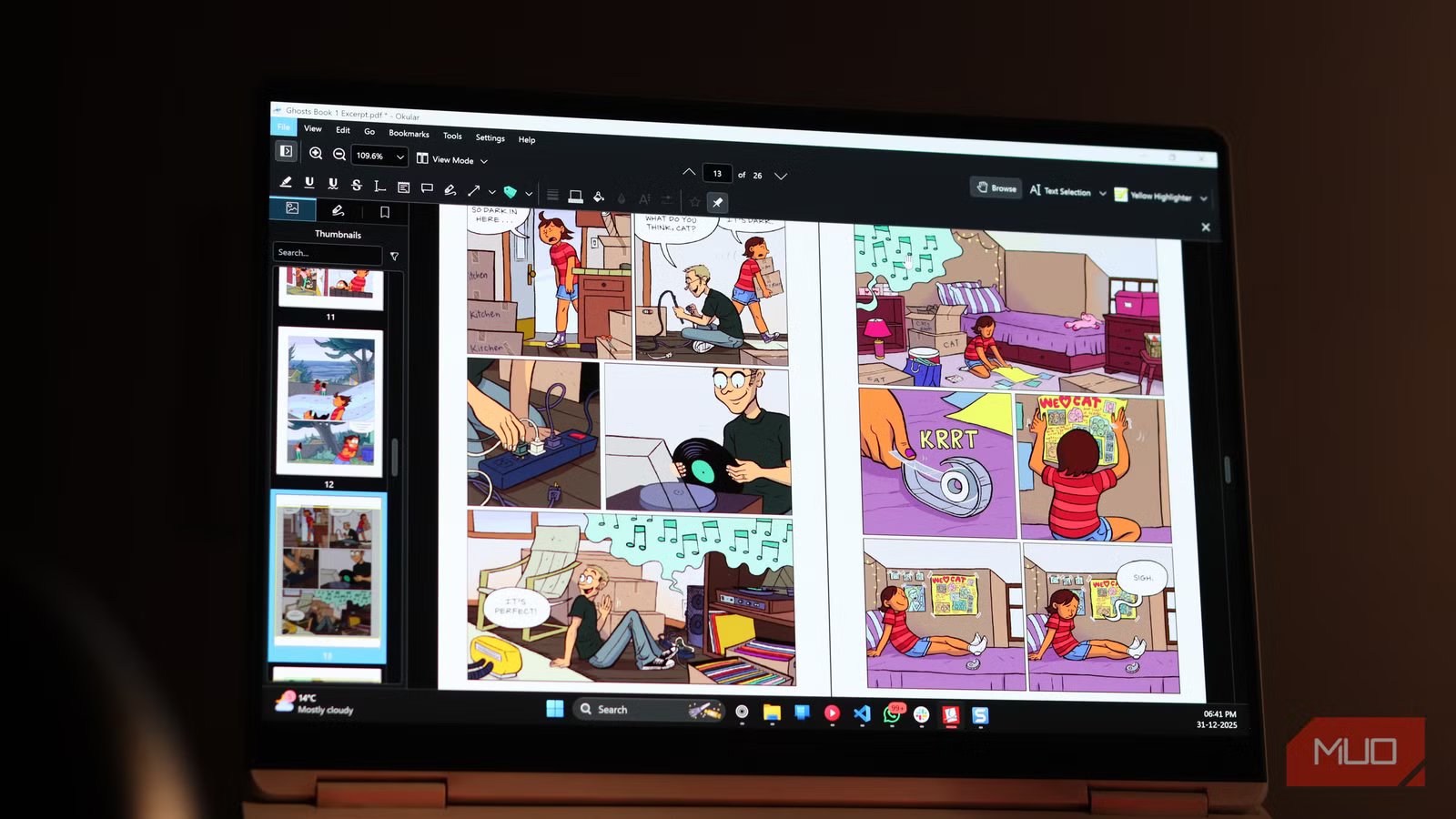
Okular is a lightweight open-source alternative to Adobe Acrobat and sits just under 300 MB on Windows, while Acrobat balloons past a gigabyte and brings background services with it for cloud sync, AI features, and collaboration. Okular launches almost instantly, opens PDFs without needing you to sign in, and handles ePub, DjVu, comic books, and Markdown alongside regular PDFs.
Okular excels when it comes to annotations and supports the usual highlights, sticky notes, freehand drawing, shapes, and a typewriter tool for filling forms. By default, annotations are saved separately from the original PDF, which keeps the source untouched. When I need to share, I can export with the annotations baked in.

- OS
-
Windows, macOS, Linux
- Developer
-
KDE
Okular is a fast, open-source document viewer that handles PDFs, EPUBs, comics, and more with powerful annotation and navigation tools.
Kid3
A music tag editor that handles batch edits without the usual jank

Kid3 is the most niche of the lot, but if you keep a local music library, it’s the one that saves you the most time. Most of the free MP3 tag and metadata editors I’ve tried handle one or two files well, but struggle with bulk processing.
Kid3 handles multiple files rather well. I keep my music in a strict Artist > Album > NN-Title structure, and Kid3 lets me select an entire album, fix the artist field across every track, embed the right cover art, and write the changes in one pass. It supports both ID3v1 and ID3v2 simultaneously, with a one-click option to copy v2 fields down to v1. This is important if you ever play music on older devices or car stereos that only read v1 tags.
The interface isn’t pretty. Three panes stacked together with no real polish. But once you stop expecting design and start using it, the layout makes sense. Everything you need is on one screen, and keyboard shortcuts let me rip through an album’s tags in under a minute.

- OS
-
Windows, Linux
- Price model
-
Free
Kid3 is a free, open-source audio tagger for editing ID3v1, ID3v2, Vorbis, and other tags across MP3, FLAC, Ogg, MP4, and more, with batch editing and import support.
KDE and its Windows apps collection
I didn’t set out to fill my PC with KDE software. I went looking for a Notepad++ replacement, found Kate, then noticed how many other Linux tools I knew were also packaged for Windows.
Sure, they aren’t going to win design awards, and the install experience varies between Microsoft Store and Binary Factory builds. But they’re free, open source, and built by a community that’s been at it for over twenty years without pivoting to AI gimmicks or subscription tiers.



