
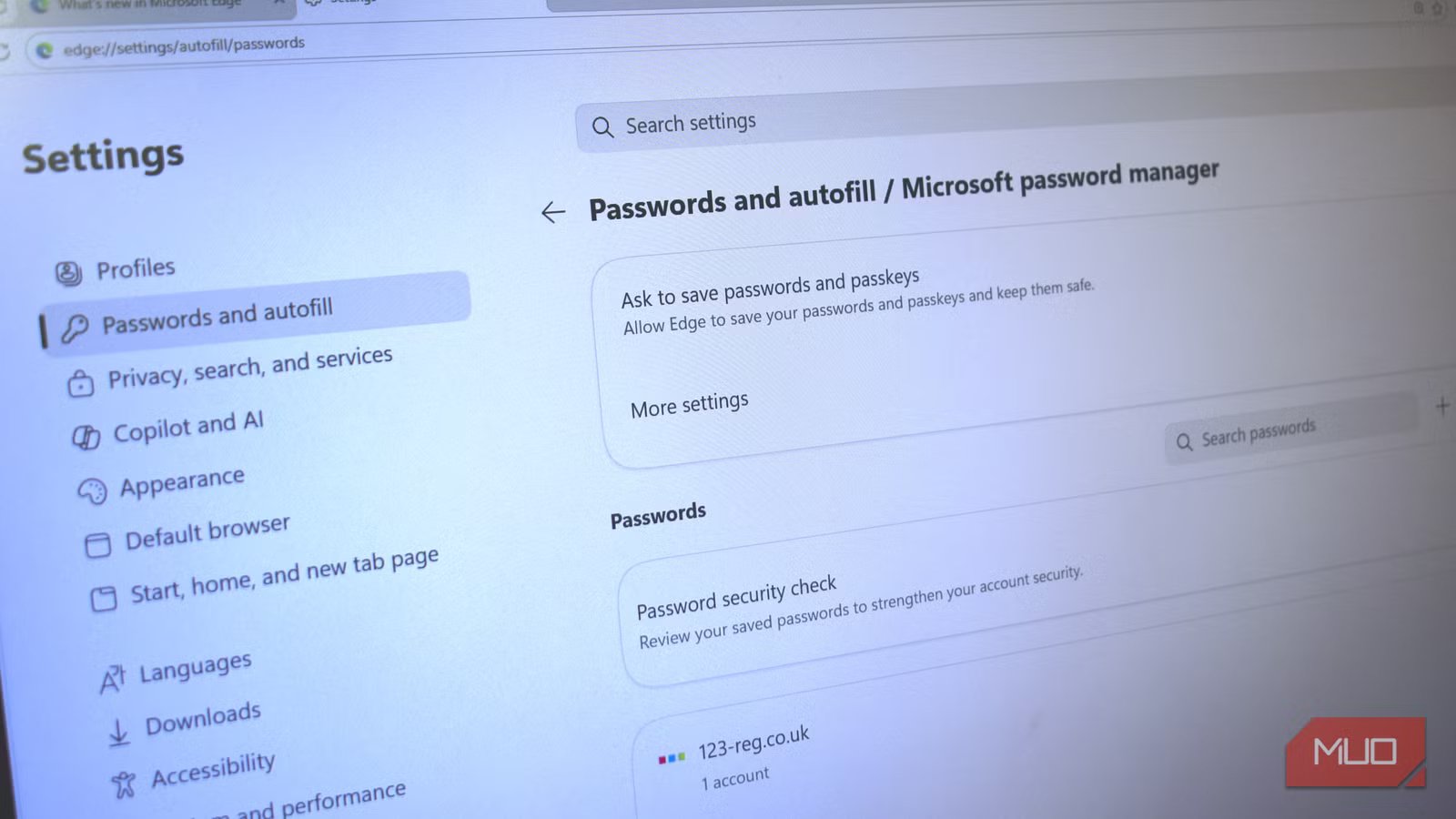
Microsoft Edge has spent years trying to convince people it deserves another chance. Ever since Microsoft rebuilt the browser on Chromium, Edge has steadily transformed from the browser many people downloaded Chrome to replace into one of the better Windows browsers around. It’s fast, efficient, packed with useful features, and deeply integrated into Windows 11.
But as with all things Microsoft, something always comes along to ruin it. And this time, it’s a password protection problem, with researchers revealing that Edge loads your passwords into memory in plaintext without your knowledge.
More than that, Microsoft says that’s by design — which is why there has never been a better time to leave Edge behind.

I’ll never let my browser handle passwords again
Password managers are built into modern browsers, but you should not be using them
Edge loads your passwords into memory in plaintext
Microsoft says that’s how it should work
Security researcher Tom Jøran Sønstebyseter Rønning (@L1v1ng0ffTh3L4N) found that Microsoft’s Edge browser loads saved credentials into process memory immediately after startup. Rønning’s proof of concept (GitHub) found that once loaded, the passwords could then be extracted from a memory dump.
Interestingly, Microsoft says that’s how Edge is meant to work. When Rønning reported the issue to Microsoft, the company’s official response was that the behavior is “by design.”
The reasons for this vary, and likely relate to autofill responsiveness and reducing authentication delays, but none of that sounds particularly reassuring when you hear “passwords in plaintext.” Given how much trust most folks put in their browser, with passwords, payment cards, addresses, synced devices, browsing histories, work logins, banking accounts, and increasingly even AI-assisted personal information, we expect it to be carefully taken care of.

So hearing that passwords may remain sitting in readable memory for the entire session feels fundamentally wrong, even if there are technical justifications behind it.
In fairness to Microsoft Edge, this isn’t the first time such a problem has hit Chromium-based browsers. In 2022, CyberArk reported on a bug that allowed an attacker to extract passwords in plaintext from a Chrome memory dump, using a very similar technique. Similarly, a 2015 Infosec article showed a similar problem with Firefox.
The big difference is that those issues have been plugged, while Edge’s remain.
Can someone steal your Edge passwords right now?
It’s not quite that simple, thankfully

Now, this doesn’t mean that your passwords are immediately under threat, or that a hacker can randomly steal your password remotely just because you use Edge. Most of the time, an attacker still needs direct access to your machine. Or, at the very least, malware that can deliver remote access, elevated privileges, and so on.
It’s not a slam-dunk in terms of threat level, but it also doesn’t mean that Edge loading your passwords in plaintext is harmless, either.
Most modern security professionals agree that the best course of action is to reduce the attack surface as much as possible. Breaches happen frequently. But that means the software we use should minimize what’s available as much as possible, and definitely not put personal data in a situation where, if breached, it’d be immediately usable. It’s almost like a lure!
Ditch Edge, or use a password manager?
Why not both?
The real question is, “What are you going to do about it?”
You have two options: ditch Edge, or use a password manager. The great news is that you can actually do both together, and this is the best option for you.
There are quite a few options when it comes to choosing a new browser. I recently tested the top browsers to see how much memory each used, and Brave came out on top in this department. It’s also a good all-around performer, is secure, and has its own ad-blocking system in place. In that, you can’t really go wrong with Brave.
You’re also in safe hands with Vivaldi, Opera, and even Chrome, while you could also opt for Reddit’s favorite browser, Zen.
The situation is a bit more straightforward when it comes to password managers. While it looks like you have loads of different options, I’d say it really boils down to less than a handful of really excellent choices.
For example, you could choose the open-source password manager KeePass if that’s something important to you. But if not, Bitwarden is an excellent alternative, with the option to set up your own version on a personal server with Vaultwarden.
Given the number of browsers and password managers available, you should be able to leave Edge behind without much fuss. It’s also surprisingly simple to import your passwords into Bitwarden and other password managers.

- OS
-
Cross-platform
- Developer
-
Bitwarden
- Price model
-
Free, Premium available
- Services
-
Password manager, password generator, secure file sending, credential management, etc.
Bitwarden is a secure, open-source password manager that helps you generate, store, and autofill strong passwords across all your devices. It uses end-to-end encryption, meaning only you can access your data—not even Bitwarden itself. With support for passkeys, secure notes, and cross-platform apps, it’s a privacy-focused alternative to built-in browser password managers.
The grass actually is greener
Microsoft Edge isn’t a bad browser. In many cases, people prefer it these days over Chrome, Firefox, and other alternatives. You can even use Edge to replace some of your day-to-day apps.
But given this problem, I’d make the switch to something without this plaintext password issue. At least until it’s fixed and you know your passwords are fully secure. But even then, it’s better to keep your passwords in a password manager rather than relying on your browser — so make the switch there, too.



