
It can be hard to convey information in your smart home in an effective yet subtle manner. Mobile notifications work well for some things, but they can be easy to miss, and most of us receive too many of them anyway.
That’s why I’ve started using a signal light instead.
What is a signal light?
A signal light is a light that changes color based on the states of entities or events that happen in your smart home. The light can come on and stay on, or it can come on for a short period and go off again. You can use a single light to indicate several different states by cycling colors.
My main use case scenario is to indicate that the garage door is open, based on the state of my Wi-Fi-controlled garage door opener. I have a reminder that fires off a notification on my phone after the door has been left open for five minutes, but this is easy to miss in the sea of other notifications. Having a hard-to-ignore red light come on is a better choice.
I’ve been considering how best to do this for a long time, but my proposed implementation was complicated. For some reason, I was going to resort to an ESP32-powered device with custom LEDs. In reality, you can accomplish this with any simple, color-changing bulb.
In my case, I’m using the last of the IKEA “Tradfri” stock I could get hold of at my local store (since the company is moving to “Kajplats” Matter over Thread lights in the future).

You can use any color you want to indicate a state or event. My garage door notification currently turns on a red light in the living room, but you can add multiple signal lights around your home and tie certain events to specific lights if you want
Some other ideas include a short-lived flash of color to indicate someone has come home, a signal in the kitchen to indicate a load of laundry has been completed, a blue or orange light to let you know that the air conditioning or heating is on, a green light to indicate that solar panels are generating more electricity than you’re using—whatever you like!
This custom integration makes it easy
After trying to use flashing light signals to indicate that the garage door is open with varying levels of success, I stumbled across the Signal Lights custom Home Assistant integration. To use this, you’ll need to install the Home Assistant Community Store.
Head to the HACS tab and add the Signal Lights GitHub as a custom repository by clicking on the three-dots icon in the top right corner of the screen. Choose “Custom repositories” and then paste https://github.com/prestomation/ha-signal-lights into the box, selecting “Integration” in the drop-down, and clicking “Add.”
Now search HACS for “Signal Lights” and click “Download,” then follow the instructions to add it. Finally, head to Home Assistant’s “Settings” page and use the three-dots icon in the top-right corner to select “Restart Home Assistant” and confirm your choice.
Once Home Assistant restarts, head to Settings > Devices and services and use the “+ Add Integration” button to search for Signal Lights. You’ll need to “Submit” to create the necessary entities, after which you’re good to go. You can now click on “Signal Lights” in your list of integrations to start setting things up.
Click the “cog” icon to enter the configuration. Here you can add lights (“Add a light”) and signals (“Add a signal”) as well as remove any you’ve already set up. You can also enable optional notifications and configure signal cycling (which cycles through various signals when more than one is enabled on the same light).

Finalizing the process is pretty simple. Define your lights first, and then add signals. You can limit certain signals to specific lights, create one-time events that only light up for a designated period of time, and add a card to your dashboard (using the “Add Card” button to search for “Signal Lights”). You can even use Signal Lights actions in your Automations by selecting it from the list.
Use dedicated lights for this
For this to work effectively, you should use dedicated signal lights in your home. At a base level, you’ll know that if a light is on, it’s worth paying attention to (you’re not likely to treat it like the other lights in your home and ignore it).

The other reason to do this is that the light won’t return to its previous state after the Signal Lights event is over. So if you’re already using a light, the Signal Lights event will change its color and turn it off when the signal ends, rather than returning it to its previous color and state. Having dedicated lights circumvents this issue. It also allows you to get a bit creative with the sort of light you use.
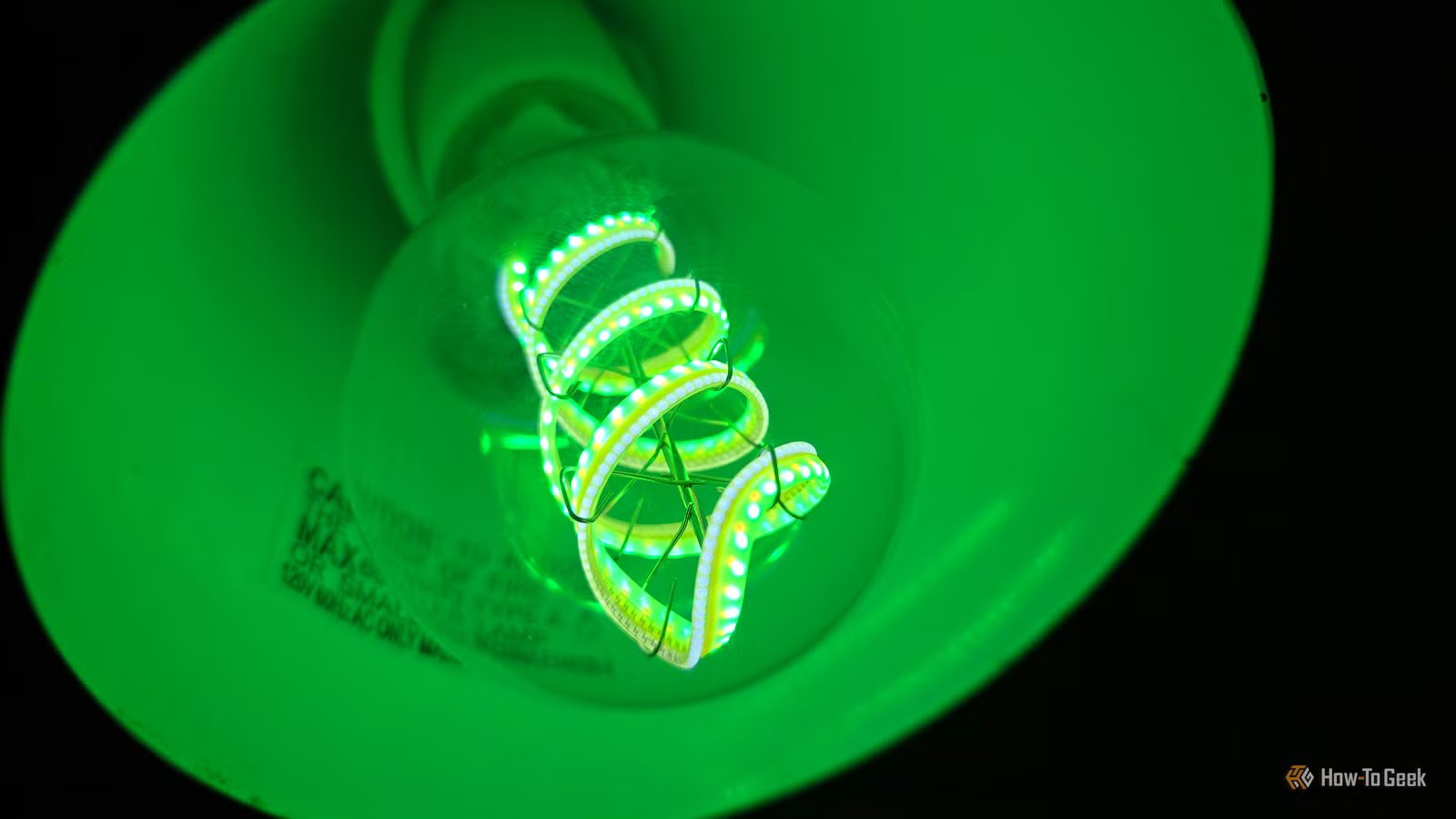
Personally, I’m going to invest in a fancy “LED filament” variety like the Cync Clear full color smart bulb in a decorative shadeless lamp that never gets used in my living room. I also think that IKEA’s classic $30 Fado table lamp would be perfect for this on a hallway table or windowsill.

- Brand
-
Cync
- Integrations
-
Matter, Alexa, Apple Home, Google Home, Samasung SmartThings
The Cync Clear Full Color Direct Connect A19 Smart Bulb is a clear version of Cync’s existing full-color smart bulb, making it look much more like a traditional incandescent bulb. Able to be set up via Matter without using a specific companion app, Cync’s bulb is compatible with virtually all smart home ecosystems.
Looking for more ideas on how to handle notifications in your smart home? Check out these Home Assistant notification tricks.



