
Google loves to track my activity across its services so it can provide faster search, better recommendations, and personalized results. But let’s be real: It also helps Google target me with hyper-specific ads.
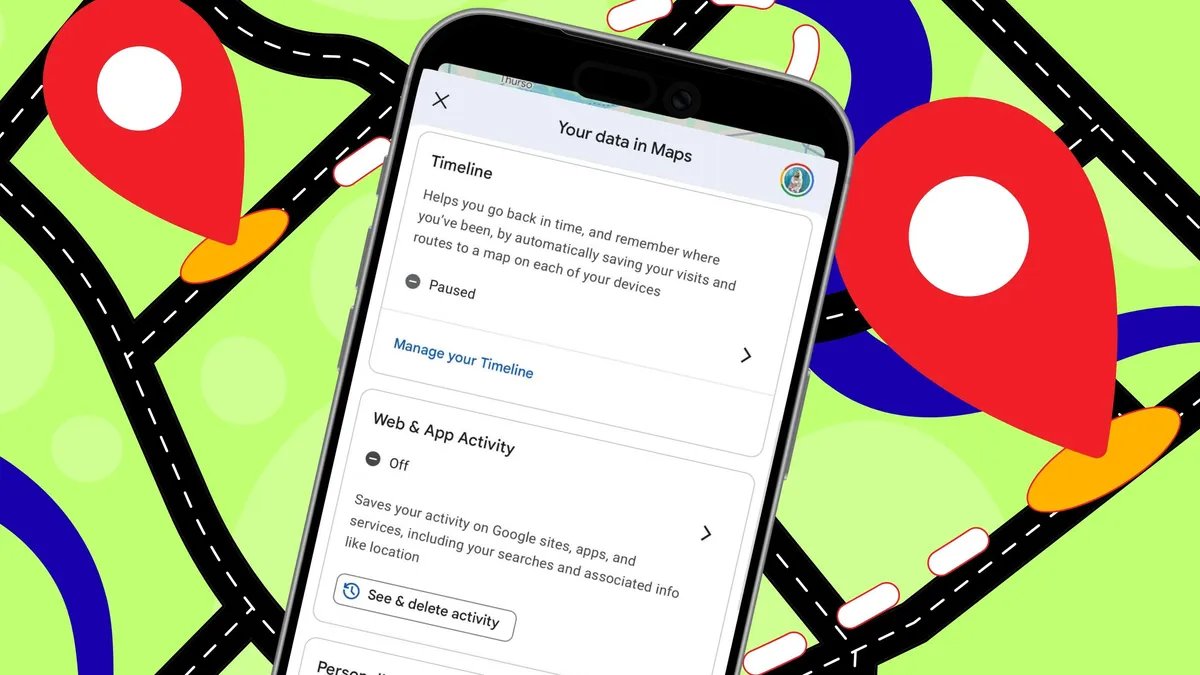
To limit how much of my activity Google tracks, I start with a setting called “Web and App Activity.” It saves my Google app activity, including Maps searches, directions, and visits. I can manage it from my Google account’s “Activity Controls” page, where I can turn it off or filter by Google app and date to delete certain activity.
I can also access this setting from the Google Maps app. Just open it, tap the profile icon, select Your data in Maps, and look for Web and App Activity. But here’s the catch: It affects all Google apps, even Search.
If that feels like too much, which it can, since even I’ll admit some tracking is helpful, I tend to disable two Maps-specific settings instead: “Personalized Recommendations” and “Maps History.” In Maps, I tap my profile icon, open “Settings,” go to “Location and privacy,” and look for both options to switch them off.
Tip: Disabling “Web and App Activity” automatically disables “Personalized Recommendations” and “Maps History.”



