
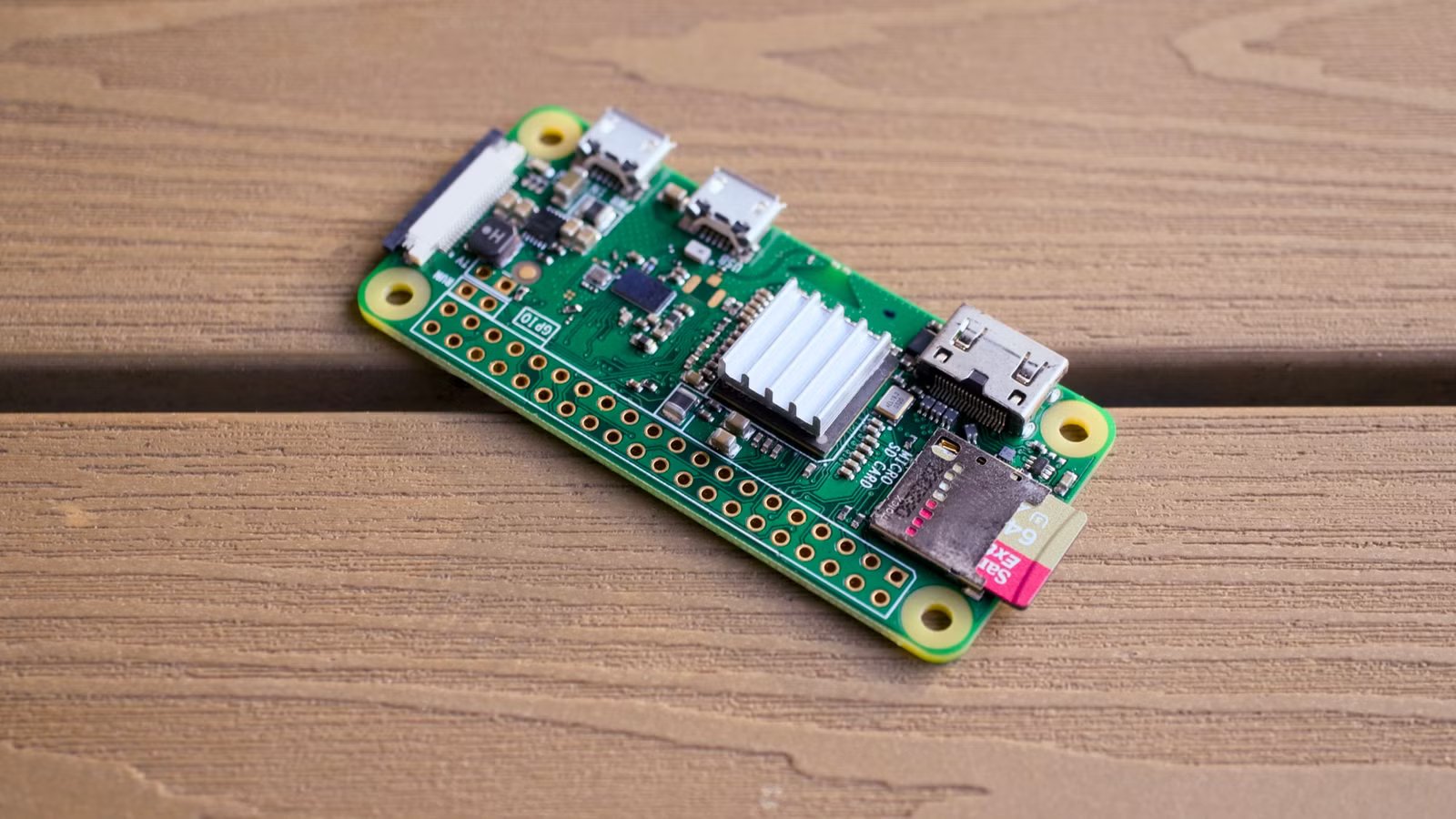
You don’t need the top-shelf Raspberry Pi to build something useful. The Pi Zero 2W is small, efficient, and inexpensive, which makes it great for projects that run in the background, fit into a small footprint, or don’t require much power. These are 5 ways to put a Pi Zero to use.
A retro gaming console
Stick to classic titles

Most retro gaming projects involving a Raspberry Pi use the Pi 4 or the Pi 5, but you can use a Pi Zero 2W.
I’d recommend using RetroPie, since it is the easiest way to get started without a ton of manual work. Just install RetroPie on your Pi, transfer over the games you want, and attach the controller of your choice.
If you really want to get fancy, the Pi Zero 2W is small enough that you can easily 3D print a small case, add some buttons, a battery, and a screen to create a self-contained game console.

There are DIY kits available on the internet that streamline the process, and there are a huge number of 3D printable cases you can choose from.
It requires a bit of planning, but once you have all the pieces, the entire thing can be set up and put together in an hour or two.
A DIY weather station
Forecasts from your home

A DIY weather station sounds more complicated than it is, but you can actually create a simple one in an hour or so.
At its most basic, a weather station needs to be able to determine the temperature, humidity, and barometric pressure. Adafruit’s BME688 gets you all of those things plus volatile organic compounds (VOCs) in a single kit.
If you want to make it even more interesting, you can add an aneometer (which measures wind speed) and a weather vane, which gives you wind direction. Off-the-shelf units usually cost between $60 and $80, though you may be able to 3D print one for less.
Then, all you need to do is pair it with a battery, small solar panel, and waterproof enclosure.
A wireless print server
Save your printer from the landfill

If you have an old USB printer, using a Pi Zero 2W to turn it into a network printer is a great way to save money on a new, Wi-Fi enabled printer. I’ve used CUPS to share a connected printer across my network, which lets me print from my phone or laptop without needing to plug the printer in to a PC.
It is an ideal project for a Pi Zero. The Pi is idle most of the time, and even when it’s active, the CPU requirements are low. Additionally, the Pi Zero doesn’t consume much power and can easily be stuck to the side of a printer without using up a ton of space. You just need to install CUPS, enable sharing, and add the printer to your devices.
A tiny home server
There are more lightweight self-hosted utilities than you think
The Pi Zero 2W isn’t suited to self-hosting many popular applications, but that doesn’t make it useless. On the contrary, many of my favorite self-hosted services run on Pi Zero 2Ws.
Currently, I use a Pi Zero or a Pi Zero 2W to run:
- Pi-hole — Ad-blocking and some malware protection
- Wireguard — Backup VPN for remote access when the power goes down
- Joplin — A notetaking app I use for research and writing
If you’re careful, there are actually a lot of other things you could run too. Vaultwarden is an open-source password manager that isn’t very demanding; a Pi Zero 2W could definitely run it. Similarly, if your homelab is small to medium-sized, a Pi Zero 2W could run a reverse proxy like Caddy to give you access to proper domains instead of IP addresses.
Regardless of what you’re hosting, I’d strongly recommend sticking to Raspberry Pi OS Lite or DietPi. The Pi Zero 2W isn’t a processing powerhouse by any means, and you can’t afford to lose any performance to a heavy operating system.
I run my Pi Zero 2Ws connected to a battery backup, so I maintain access to many of my essential self-hosted services even during a power outage.
Low power doesn’t mean useless
The Pi Zero and the Pi Zero 2W are easy to underestimate because of their tiny footprint and low-power processor, but there are dozens of great applications for them, you just have to pick projects that aren’t too demanding.
If you don’t try and treat them like tiny desktops, they’re a great addition to any homelab or smart home setup.



