
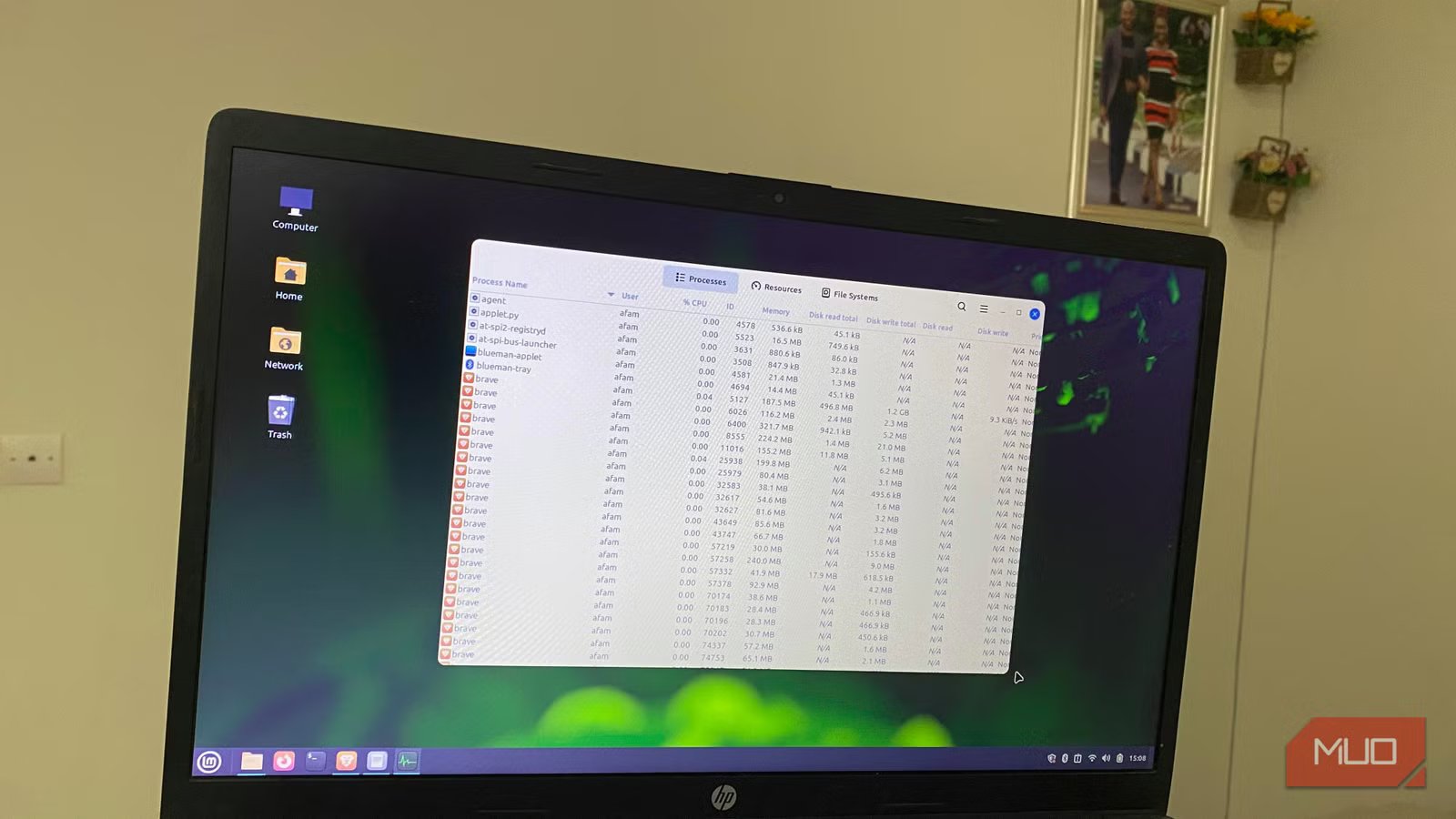
Having 8GB of RAM has always felt adequate for me when running Linux. It’s enough for fast boot times, and even on older hardware, it feels fluid. However, my browser needs have increased over the years. Running YouTube on one tab, searching in others, and keeping a Reddit thread open at the same time makes my laptop feel fragile.
It hasn’t made my Linux PC constantly slow. However, there is a level of unpredictability. Music stutters when I open new tabs, and typing may lag on certain websites. There was also the frustration of inactive tabs constantly reloading. It felt like my browser was overwhelming my system, even though Linux seemed lightweight beneath it. After enabling zram, it was surprising to see my laptop work without choking for the first time in months.
Browsers quietly became RAM monsters
Modern websites behave more like apps than webpages
What has surprised me the most is how my browser struggles even when everything else works fine. This wasn’t the case several years ago, when ten open tabs rarely made a difference. Web apps have really evolved and become more demanding on system resources.
Another issue is that modern browsers isolate tabs into separate processes as a security and stability measure. This way, if one tab is broken, it doesn’t crash everything, but memory usage spikes as the number of tabs increases.
Daily workflows require us to leave browsers open as temporary memory for paused videos, messaging apps, or search results. This happens so much that the browser starts behaving like the OS itself rather than like a single application. And that’s the exact reason why 8GB feels very inadequate today. The browser alone is adding so much resource pressure.

Your SSD is getting slower, and here’s how to fix it
Most SSD slowdowns are just missed settings and neglected maintenance.
zram changed how the laptop handled pressure
Instead of collapsing instantly, the system became far more stable

One thing I noticed was that while my system seemed to suffer, my CPU wasn’t maxed out. It was mainly having performance dips because of memory pressure. As RAM gets filled, Linux automatically moves some data that is consulted less into swap space on storage. But storage is far slower than RAM. Responsiveness was instantly affected as the switch happened, but zram became the game-changer.
zram creates compressed memory that acts as swap in RAM instead of using the disk, so the system can delay swapping to the SSD/HDD. This isn’t an alternative to upgrading your RAM. However, on a modern computer, where CPUs are quite fast and efficient, it’s faster to compress memory than to write to or read from disk swap. Once I started using zram, I saw an obvious difference:
What happens during memory pressure | Traditional swap behavior | zram behavior |
|---|---|---|
Returning to inactive browser tabs | Tabs reload more frequently | Tabs remain active longer |
Opening another app while streaming | Audio/video stutters more easily | Playback stays smoother |
Short bursts of heavy RAM usage | System responsiveness drops sharply | Slowdowns feel shorter and softer |
Multitasking with many browser tabs | More storage swap activity | More compressed data stays in RAM |
The difference wasn’t an instant speed boost; rather, the system no longer fell apart as easily under high memory usage.
The biggest change was psychological
I stopped treating browser tabs like limited resources

Before enabling zram, I made a conscious effort to manage tabs in the background. When I felt the system was close to its tipping point, I would close tabs preemptively or hesitate before launching a tab for YouTube or Reddit. zram removed the anxiety and allowed me to use tabs more freely. But it wasn’t just the browser. Under heavier workloads, other apps also behaved more predictably.
Before enabling zram | After enabling zram |
|---|---|
Frequent browser tab reloads | Tabs stayed active longer |
Sudden lag spikes during multitasking | More consistent responsiveness |
Constant tab management | More forgiving browsing sessions |
System slowdowns escalated quickly | System slowdowns escalated quickly |
zram did not eliminate all the slowdowns, but I stopped experiencing the abrupt failures caused by pressure. If you use an old system, this very point is more significant than raw speed.
zram solved a real modern problem
Most Linux tweaks feel theoretical, but this one felt practical immediately

I have championed several Linux performance tweaks, and to be fair, a lot of them are impressive. However, they barely affect everyday use. Several times after shaving off a few seconds from boot time, or making changes to some obscure settings, I spend some time living with them, then realize little has changed.
However, with this single zram change, I felt the difference in something that used to be the most frustrating, and that’s why it stood out. By targeting the modern browser, it fixes one of the biggest pain points of the contemporary computer. But the impact of this change is not the same on every system.
If you use an 8GB laptop for heavy browsing, the impact is high because you can expect frequent memory pressure from browser multitasking. This is the same on older ultrabooks with soldered RAM, because you may not be able to upgrade the RAM. However, the impact is low in systems with 16GB of RAM used for light workloads because the memory pressure is far less frequent. Also, if you have workstations running VMs or for video editing, you will benefit more from physical RAM.
The real takeaway most people miss about memory pressure
If you need to decide on using zram, the question shouldn’t be whether it makes the system faster, but the nature of the slowdowns you’re experiencing. Hard stalls, audio glitches, or tab reloads can signal sudden drops in responsiveness, especially when they happen during short bursts of activity. These are times it will make an impact.
For other slowdowns, zram can act as a cushion but isn’t a substitute for adding physical RAM, which is generally more beneficial.



