These 5 free design tools don’t just replace the expensive ones — they are genuinely better
As a Full Sail University alumnus, I was taught to adhere to professional-grade standards in computer animation. So I know how it feels to use these amazing tools, which have many features and are designed with ease of use in mind. However, there are many things I stopped paying for when I realized that free alternatives aren’t very different. You should stop paying the growing, high price tag and learn to useopen-source apps that can do the same thing or more.
Making 3D art with Blender
Blender is your all-in-one resource

Maya may be the industry standard, but Blender proves you don’t need a very expensive subscription. Since it’s free, people assume it lacks the polish of the bigger apps, but it can be better if you take the time to learn all the quirks, shortcuts, and layout. I understand how much better Maya can feel, but it is not worth the huge fee that comes when you’re not a student.
An annual commercial license for Maya can run almost $2,000, while Blender is completely free and open-source. It handles everything from 3D modeling and sculpting to video editing and compositing. It’s one of the best sculpting software apps you can use.
Even with my degree, learning Blender took a lot of patience, since its interface relies heavily on keyboard shortcuts rather than traditional visual menus. Once you master these hotkeys, you can fly through projects quickly. Blender also lets you reuse setups without losing data, since weight values stay on the object even after skin weighting gets removed. There are plenty of advantages that Maya just can’t match.

- Website
-
Blender.org
- App
-
Blender
- Price
-
Free
- Engine
-
Blender Game Engine
Blender is a free, open-source 3D creation suite that supports the entire 3D pipeline. It can handle modeling, rigging, animation, simulation, rendering, compositing, motion tracking, and video editing.
Drop Photoshop and move to GIMP
GIMP can be as good as Photoshop
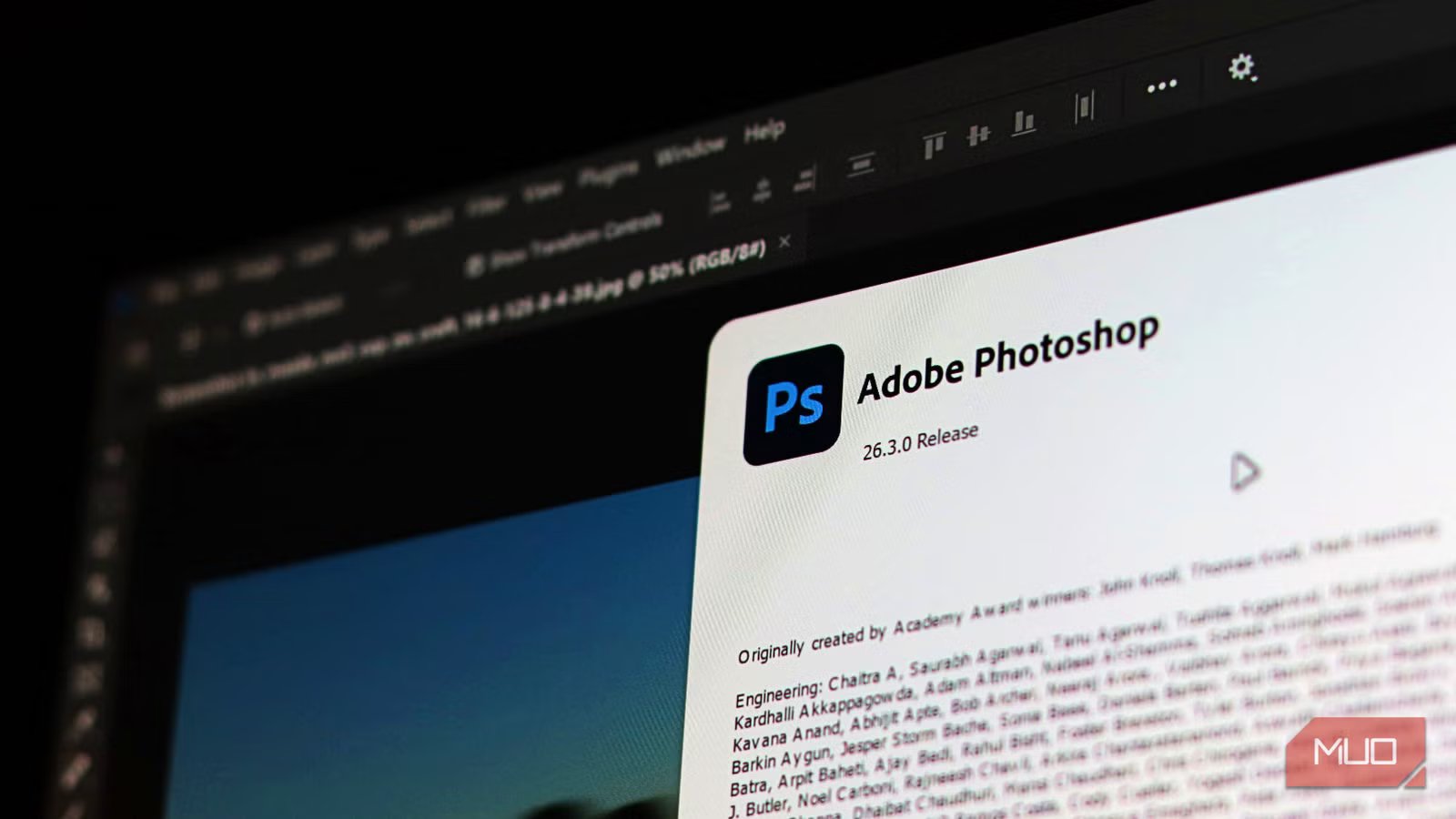
This is the go-to Photoshop alternative, but it takes some willpower to stick with it. Coming from Photoshop to GIMP is hard. It does so many things differently and isn’t as smooth by comparison, but once you get the hang of it, it is great and not too difficult.
The software defaults to using multiple floating windows for its toolboxes and docks, breaking the expectation of a unified workspace most people are used to. You get a layout where tools are scattered across your screen, making navigation feel clunky.
You can easily fix the scattered layout by turning on single-window mode in the Windows menu. I like installing the PhotoGIMP patch to mimic Photoshop’s layout. This patch condenses the toolbox into a single column, adds familiar keyboard shortcuts, and applies a cleaner icon theme.
If you’re too used to Photoshop, I highly recommend making GIMP feel like premium software. It made moving over to GIMP so much easier, and I would rather use GIMP than Photoshop now.

- OS
-
Windows, macOS, Linux
- Developer
-
Simon Budig
GIMP gives you many of the features Photoshop has but without the hefty pricetag, and GIMP is open source, so you can see every change and requirement needed.
Make vector graphics in Inkscape
Inkscape is actually better than Illustrator

A major advantage of Inkscape is its native support for Scalable Vector Graphics (SVG). Since the application uses SVG as its primary format, creating web graphics is simple, which is great when moving away from Illustrator. The files you create are based on mathematical equations rather than pixels, letting you scale them infinitely without losing quality.
This is great for web design projects like logos and interface elements, where you need graphics to look crisp across all screen sizes. When you save your work, the program generates standard XML code that web browsers read directly. You can even open the SVG file in a text editor to make changes to the code if you want to adjust specific properties manually.
I love that this adds multiple editing functions into a single node tool, instead of forcing you to switch between tools as you do in Illustrator. You can even sculpt multiple nodes at once with keyboard modifiers, moving them in non-uniform ways to create very natural shapes.

- OS
-
Windows, Linux, macOS
- Developer
-
Inkscape
Inkscape is a free and open-source vector graphics editor used to create vector images, primarily in Scalable Vector Graphics (SVG) format.
Cutting video with Kdenlive
Don’t default to Vegas

Everyone immediately downloads Vegas when they want a replacement for Adobe Premiere Pro, and it is easy to see why. However, Kdenlive works natively on both Linux and Windows. This is an open-source editor maintained by the KDE community. It comes with unlimited video and audio tracks for your projects, which is great for free software.
You also get a massive library of built-in effects like color grading, chroma keying, and motion tracking. It doesn’t need configuring to handle almost any file type you throw at it since it relies on FFmpeg for format compatibility.
The best part is that Kdenlive handles 4K footage, which generally needs significant processing power. Basically, this app lets you make proxy clips that are smaller, lower-resolution copies of your original 4K clips that Kdenlive uses to keep timeline scrubbing smooth and lag-free. Once you finish cutting and exporting, the software replaces the proxies with your 4K source files, so you won’t lose any quality when you are done.

- OS
-
Windows, Linux, macOS
- Developer
-
KDE
Kdenlive is a free and open-source video editor that works on Windows, Linux, macOS, and BSD.
Your raw photos should go to Darktable
This is the Lightroom killer

Darktable gives you a professional-grade tool that costs zero dollars. You get a completely non-destructive editing workflow to manage your images. The application stores all your adjustments in XMP sidecar files, meaning your original raw image files remain completely untouched, no matter how many changes you make.
The masking tools for raw photos are highly capable and precise. You can build parametric masks based on the exact luminance or hue of the pixels, or you can use drawn masks like brushes and gradients to adjust the exposure of a specific area. You can even combine these different mask types to get a very precise selection without affecting the background.
The interface is definitely intimidating at first glance, and I actually quit twice when I tried to start just because of it. Just keep in mind that all of these professional photo editors have a learning curve. Darktable doesn’t hide its tools behind automatic sliders, which means you have to learn how the modules actually work, regardless of where you go. So it’s a good idea to just go to the one that works the best, in my opinion.

- OS
-
Windows, Linux, macOS
- Developer
-
Johannes Hanika
Darktable is an open source photography workflow application and raw developer.
Stop throwing away your money
I was charged a fee to leave Adobe, despite paying for a subscription for years. That’s the kind of thank you I got for my loyalty for so long. Don’t make my mistake by sticking to companies that charge you for services that have free alternatives ready to use. I will never return to these corporate apps, and I can’t imagine a good reason why I would. It’s better to just learn a few shortcuts or a new UI and save yourself money.