
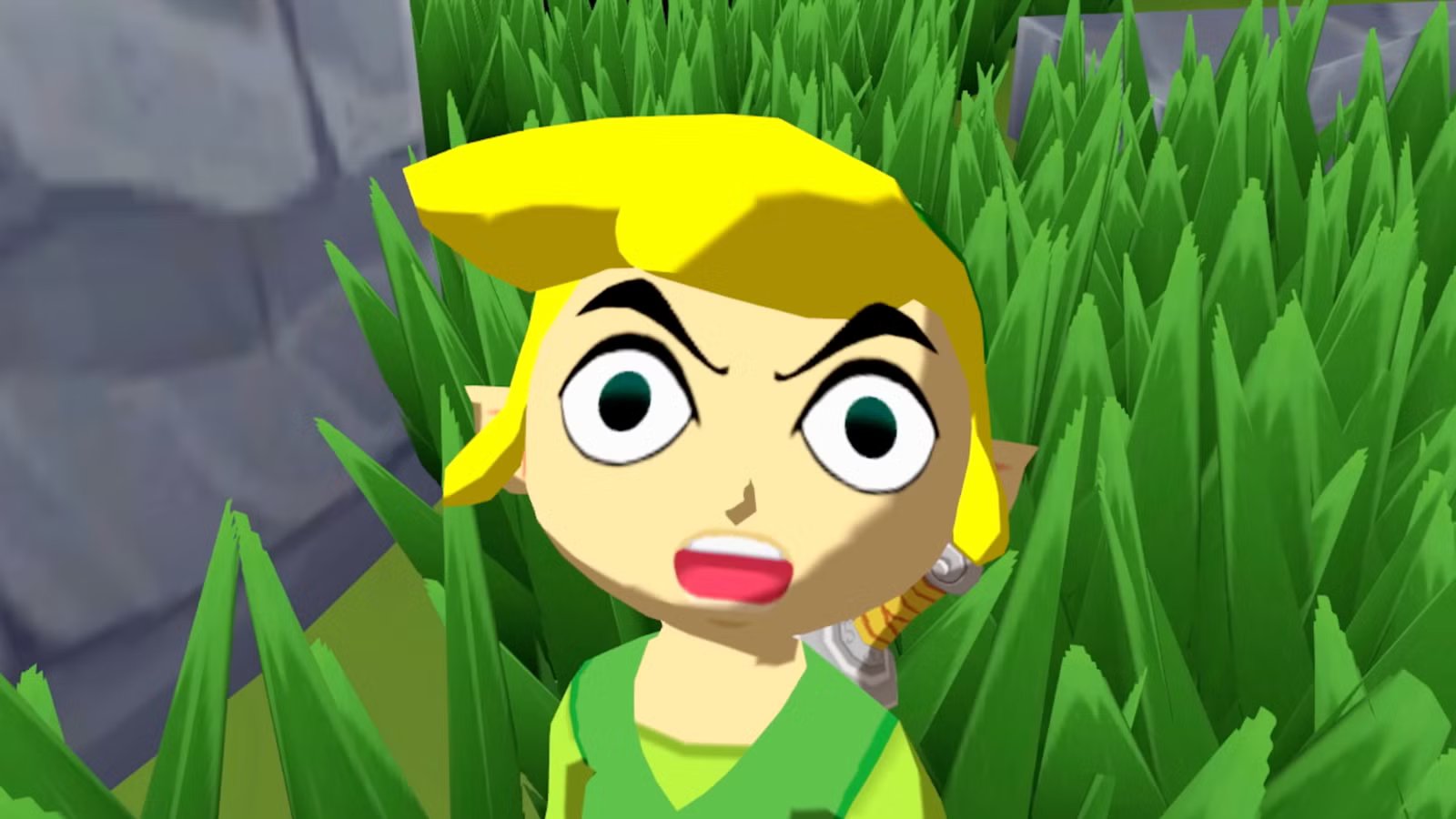
Lossless Scaling instantly solved my biggest problem with GameCube emulation

I don’t like it when old games are as limited as they were twenty years ago. I think that when we emulate games, the advances in technology should translate to better gameplay. Unfortunately, that’s not how it’s worked with my emulator for a long time. Luckily, lossless scaling solved this problem for me, but it did come with some hiccups.
Why the 30 fps lock feels slow today
Things got better with time
It’s simple to run GameCube games on newer computers these days. Retro game emulators let you boot up titles with higher internal resolutions and texture packs. It’s nice to see your favorite childhood memories looking clear on a new screen. However, you quickly run into a big problem once you start playing. Most games from that time were locked at 30 frames per second.
When we played on tube televisions, 30 fps was just fine. Today, playing a 30 frames per second game on a high refresh rate monitor can feel slow. High refresh displays, like 144Hz or 240Hz, show every missing frame, making the camera movement and character animations look choppy.
People put a lot of money into high-end graphics cards and fast monitors because they expect a smooth experience with all their software. Loading an old game and seeing a stuttering framerate makes those expensive gaming setups feel wasted. You have all this processing power, but the emulator is limited by the console hardware’s original constraints.
You might wonder why you can’t just flip a switch in the emulator to make the game run at 60 frames per second or higher. The problem is that old console games tied their physics, speed, and game logic directly to the framerate. If a game was made to run at 30 frames per second, forcing it to render at 60 frames per second means the game engine runs at double speed.
Animations play too fast, timers run out twice as quickly, and enemies attack with double the speed. Modders have tried to make 60 frames per second patches to get around these engine limits, but they’re specific to each game and can have bugs often. This means you usually have to pick between playing the game exactly as it was designed at a slow 30 frames per second or dealing with a broken game just to get smoother visuals.
It uses frame generation for smoother gameplay
It is complicated, but it works better
Instead of dealing with playing at double speed, audio falling out of sync, and enemies attacking twice as fast, you can use Lossless scaling. Nothing in the game code changes, and you won’t be using unstable workarounds. The Lossless Scaling Frame Generation tool works entirely outside of the emulator. It captures the final rendered image that the emulator outputs and adds a machine learning algorithm as a post-process effect.
The software looks at two consecutive frames, estimates the motion between them, and generates a new artificial frame to insert in the middle. It’s a lot like tweening, where the engine fills in the gap for animation. It doesn’t touch the game engine itself, meaning the emulator continues to run at its native 30 frames per second. This keeps all the internal logic, physics, and enemy behaviors working perfectly.
At the same time, your monitor displays 60 frames per second, giving you the smooth visuals you want without risking broken gameplay. So you’re using AI to fill in the gaps.
Using this tool does come with a few trade-offs you should know about. Since the software has to wait for the game to render real frames before it can generate the fake ones, it can add a slight amount of input latency.
Your eyes don’t have frame rates because that’s not how real life works. However, it isn’t noticeable unless you look for it. So don’t look for it. You might also notice some minor visual artifacts like ghosting around fast-moving objects or user interface elements, since the software has to guess how the image moves without having direct access to the engine data.
However, for slower-paced adventure games or role-playing titles, this added latency isn’t noticeable.
Fake smoothness isn’t as good as native power
There’s not much else we can does
It is not hard to be skeptical of these interpolated images and call them fake frames. They look terrible in live-action movies and should be cut out when real people are involved. However, with video games, especially older ones, capturing the same art on screen is easy for the AI. That’s not the issue here.
Programs like Lossless Scaling use machine learning to guess how pixels move and make artificial frames between real ones. The visual output doesn’t always show the same thing that the game engine is rendering. This makes performance seem higher, letting choppy games look smoother on high refresh rate displays.
I also believe this technology gives developers an excuse to put out bad software. Instead of writing clean code that runs well natively, a studio can depend on upscaling and generation algorithms to make up for its bad performance. You’re basically forced to rely on software tricks instead of getting the raw power you paid for when buying expensive graphics cards.
When you use frame generation, the software needs to hold back the newest real frame to calculate the intermediate fake frame. This process, which you can’t avoid, adds that input lag that I mentioned earlier. A game running internally at thirty frames per second will still respond to your controller inputs at that slow speed, even if the screen shows sixty frames per second.
Sometimes you get a big disconnect where the game looks fast but feels slow and unresponsive. Also, since external tools don’t have access to the game engine’s internal motion vectors, they need to guess how objects move. There are so many processes going on in the background that this could lead to worse gameplay. So having a modder fix it game by game is actually better, but it takes longer, and you probably only need this for specific games.
Even with how I feel, calling frame generation a trick ignores the reality of modern computing limits and the strict constraints of classic software. The hardware industry is steadily getting closer to the physical limits of computing, meaning its raw processing power can’t keep doubling forever.
We are still very far from matching what human vision can see, so this may be the most realistic way to get very high frame rates. Also, native hardware power can’t solve software limits written decades ago. Frame generation gives you a good way to bypass these hardcoded limits without breaking the game physics. While the added latency is real, it’s barely noticeable in slower adventure games and role-playing titles where split-second reactions aren’t needed.
You lose some, but you get a lot
I don’t believe every game needs to be at 60 fps; I think it’s barely noticeable in most older games. However, there are plenty of games where this is better, like in the Smash Bros. series or first-person shooters. So use it when you have to, not all the time. It’s not worth a game, possibly getting laggy over time when you’re playing a simulation or a strategy game. So save it for Mario Party, not for Animal Crossing.