
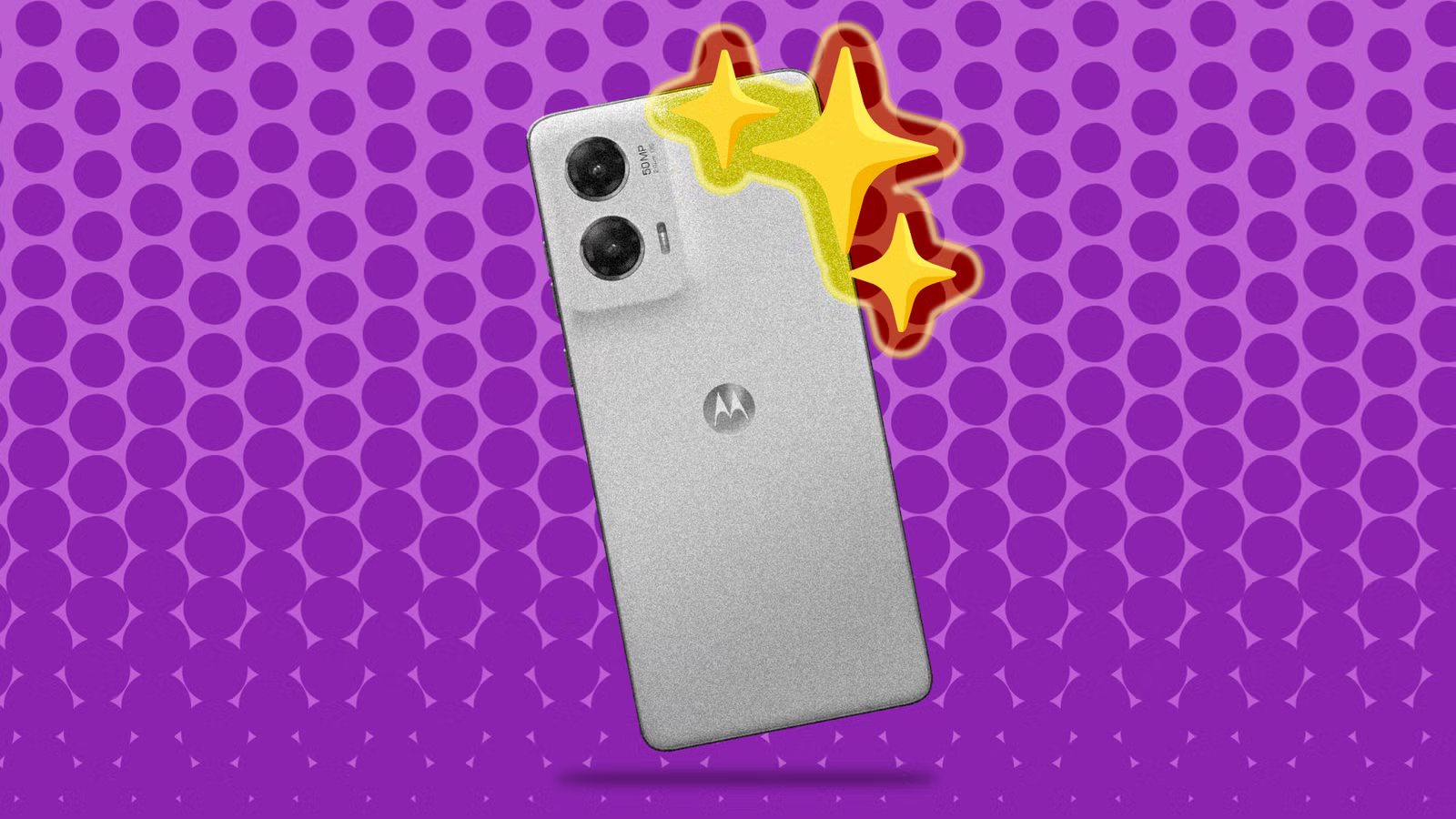
6 ways to repurpose your old Motorola phone
Own an old Moto Android phone but don’t plan to give it away or sell it? Instead of keeping it in some dim, dusty drawer and pulling it out every few months to check whether its battery has turned into a spicy pillow, you can repurpose it into something useful and keep using it on a daily basis.
Turn it into a PC performance dashboard
Have all important PC performance metrics at a glance
If you’re a PC gamer, you probably like looking at all those nifty performance stats such as CPU and GPU temperature, fan speed, and more. While this is quite easy to do on desktop, you usually have to use a performance overlay such as RTSS (RivaTuner Statistics Server) when playing games, which is less than ideal because the overlay is always there in the corner of the screen, and it’s super easy to get distracted by all those stats while gaming (I know from experience).
What you can do instead is get one of those dedicated performance displays, which can cost a pretty penny, or spend exactly zero dollars and build a performance monitor out of your old Moto. My fellow writer here at HTG, Ismar, created a detailed step-by-step guide on how to do just this, but you can also create your own unique performance layout instead of using his template.
Pair it with a controller and build yourself a gaming handheld
For Android gaming or PC game streaming

If you’re a gamer you can turn your old phone into a dedicated gaming handheld. Even if you’ve got a feeble old Motorola that isn’t powerful enough for AAA mobile games, no worries. If you own a gaming PC or are willing to use a game streaming service such as GeForce Now, you can stream games to the phone locally or via the cloud.
If the Moto in question is Android gaming-ready, all you need to do is get a snap-on mobile controller that fits your phone and install some games. While not nearly as abundant with great games as iOS, there are still plenty of great indie titles on Android that started life as PC exclusives.
Alternatively, you can install Sunshine and Moonlight and stream games locally from your PC. This setup adds a very small amount of latency and works great even on older phones, since their Wi-Fi chips are more than capable of handling the bandwidth needed for a smooth experience.
Lastly, you can subscribe to GeForce Now or Xbox Cloud Gaming. The former has a dedicated Android app, whereas the latter can be accessed via Google Chrome or Microsoft Edge. This way, input latency will be noticeably higher, but image quality and the overall experience shouldn’t suffer too much, as long as you have a decently fast internet.

- Brand
-
GameSir
- Platform
-
Android/iPhone 15
GameSir’s G8 Galileo takes the best parts of console gaming and condenses it into mobile form with a comfortable controller build that works with virtually all type USB-C smartphones and game cloud and streaming apps.
Turn your old Moto into a smart display
The process is fairly straightforward

Smart displays can be handy, but they’re very limited and aren’t exactly cheap. Models such as the Amazon Echo Show start at around $90 and can cost hundreds if you opt for a higher-end version.
On the other hand, you can create a smart display of your own. All you need is an old phone you aren’t using anymore, a speaker, some cables, and a cheap USB-C hub. My colleague Joe Fedewa created a guide on how to do this, so be sure to give it a read.

- Brand
-
UGREEN
- Connection
-
USB-C
The UGREEN Revodok Pro 8-in-1 USB-C hub is perfect for expanding your laptop or Chromebook’s I/O. Designed with multiple USB-C, USB-A, and even HDMI ports, this dock is compact and greatly expands your portable computer’s capabilities.
For local playback and streaming

One of the easiest ways to repurpose your old faithful Moto is to turn it into a dedicated media player. Even older Android phones should be beefy enough to handle 4K video, and thanks to the wide selection of audio and video players on Android, you’ll have no trouble finding one that suits your needs. Alternatively, you can use a streaming service you’ve already subscribed to or stream music and videos from your own media server.
While I’ve mentioned media servers, it’s worth noting that you can turn your phone into one. There are some limitations (mainly performance and storage capacity), but even an older Moto should do the job just fine.
You can control your PC with it
All you need is KDE Connect

The KDE Connect utility is brimming with features and should work with any Motorola Android phone running Android 6 or newer. You can use the app to control any Windows or Linux PC (even a MacBook) over your local network.
You’ll need to install the app on both the phone and the PC, pair them, and then use the phone as a virtual touchpad or media player remote, lock or shut down your PC, and more.
Use it as a dedicated GPS dashboard
For your car, or bike!
An old phone can be a perfect GPS dashboard. You already have access to the necessary apps, and all you need is a car holder and charger. If you want to use it on a bike, you’ll need a bike phone holder if you don’t already have one.
If you go the car route, avoid keeping the phone plugged in all the time. The battery has likely already degraded, and GPS use can heat the phone significantly, so it’s best to charge it when idle to avoid further damaging it. You can even turn the old phone into an Android Auto Display for your bike, showing info from your main phone, which can stay safely tucked inside a pocket or backpack.

- Brand
-
UGREEN
- Output
-
24 Volts
With 100W power delivery via one of its USB-C ports, the UGREEN 130W Car Charger can juice up most mobile devices, including laptops, at their top speed.
Your old Moto phone can play a near-unlimited number of roles
This list isn’t exhaustive by any means; I’ve barely scratched the surface. The number of ways an old Motorola phone can live a second life is staggering. You can turn it into a security camera, baby monitor, dashcam, smart home hub, and a ton of other handy tools. If you’ve got the time, there’s even an entire subreddit dedicated to repurposing old phones and tablets, packed with hundreds of clever ideas.

7 ways to repurpose your old Android tablet
Your old tablet isn’t obsolete yet—it just needs a new job appropriate for its age.