
You may have hundreds of apps on your smartphone, but none of them is more important than your password manager. These apps essentially contain the keys to your digital life, as they allow anyone with access to the password manager to access any account you may have on the web.
There was a time when I used to push people to use a built-in password manager instead of trying to remember passwords or reusing the same one everywhere. However, if you’ve read about the LastPass breach, which compromised thousands of accounts, you won’t blame me if I am not that excited about storing my passwords on someone else’s servers.

I’ll never let my browser handle passwords again
Password managers are built into modern browsers, but you should not be using them
I wanted a password manager without “trusting the company”
One encrypted file on my phone, opened only by me

Though we have come across wonderful password managers in the past, they have all asked you to do something: trust the company. That is, whenever you use a password manager, you essentially have to trust the developer/service provider to keep the data safe. Sure, this concept works most of the time, but outliers like the LastPass incident may affect some people more than they do others.
It all leads to a bigger question: when is it too much to trade convenience for security and privacy?
This question led me to start searching for a password manager that didn’t require me to trust the company, and the solution was imminent. I was essentially looking for an offline password manager that would store all my passwords on my device and prevent them from being transferred anywhere else. It would mean I don’t have to trust any third party’s so-called zero-trust secure storage.
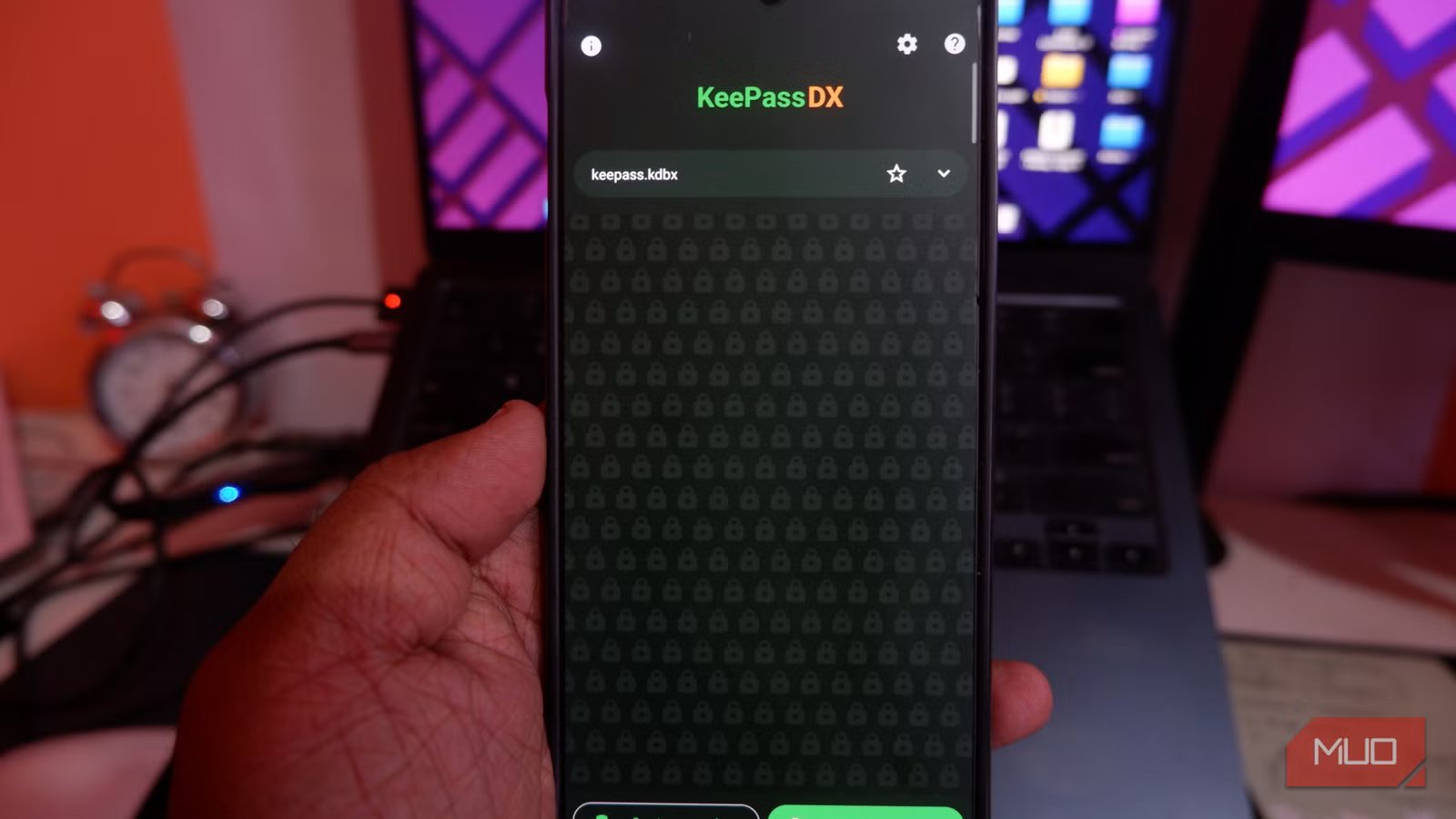
Fortunately, I came across a completely free Android app that does exactly so: KeePassDX.
Setting up KeePassDX properly took me a few tries
The third database is the one I still use

KeePassDX is an open-source password manager for Android that lets you store passwords and passkeys locally in a vault. Unlike most password managers we come across, KeePassDX doesn’t require an internet connection because it doesn’t communicate with any server. Instead, it ensures that the passwords, passkeys, and other information you store remain accessible within the device.
At a time when you can’t really trust what companies say about data security, this is an option I’d likely have. However, this option is not as seamless as a typical password manager. While KeePassDX offers an impressive password management experience for those who value their privacy and security, setting up the app wasn’t so easy.
The biggest difference about KeePassDX is that you don’t have to create an account. Instead, all your passwords, passkeys, and other credentials are stored in an encrypted file that you can find only on your device — not on someone else’s server. As you can guess, you will have to set up a password when you create a file, and enter the same password/passkey/hardware authentication every time you need to open it. Without this encryption key, the KeePassDX file is useless.
This structure also makes KeePassDX unique! As per this structure, no third-party server will have access to your sensitive credentials. It means you don’t have to worry about breaches affecting your zero-trust provider.
You can still use features like autofill and more
It offers a decent password management experience
I have tried many apps that offer a terrible user experience because of their privacy focus. However, KeePassDX is different. While I must admit that the setup takes time, you get a number of features that make KeePassDX a functional password manager. You may not find the simplicity you find with Google Password Manager, but you don’t let a third-party access your passwords, either. Here are a few things I loved about KeePassDX:
- Autofill: KeePassDX can easily replace the autofill utility on your smartphone, letting you insert sensitive data without the copy-paste slow dance.
- Biometric Unlocking: KeePassDX lets you use your Android device’s biometric unlock options to unlock the vault. This option is convenient while using the autofill function.
- Support for OTPs and 2FA: You also get built-in support for one-time passwords and 2FA. This means this password manager can help you protect your accounts from modern threats as well.
In addition to these, you get impressive templates, designs, and themes, so you can customize how KeePassDX looks and works on your device. Overall, KeePassDX’s feature set is decent enough to serve as a functional replacement for most password managers available today.

I’m Done With Google Password Manager: Here’s What I Use Instead
If you’re still using Google Password Manager, you’re missing out.
The backup side of this requires more deliberate thought than I expected
No automatic off-site copy means you have to build one yourself

I know you are already thinking about it. Backup and synchronization are not built into this app, but there is actually a workaround.
As I said earlier, what you get is an encrypted file you can move around on your own. It is thus possible for you to set up a system that synchronizes this file between devices. You can use an app to ensure this file is available on your other smartphones and devices.
This way, whenever you load this file from a particular location, all the passwords stored in that file should be visible on any device that you have linked it with. The situation may be easier for those who don’t want real-time synchronization. You can even set up a weekly or monthly routine to transfer the encrypted file between devices.
It’s not for everyone, and I mean that literally
I should make it extremely clear that KeePassDX is not an everyday alternative to the convenient password manager that you have come across. However, the features it offers are too compelling to ignore, given the privacy and security implications. Even though you have to spend some time setting it up and maintaining it, it is a good password manager to have on hand. I would suggest a situation in which you use KeePassDX as a specialized password manager for credentials you cannot risk leaking under any circumstances.

- OS
-
Android
- Developer(s)
-
Kunzisoft
- Price model
-
Free
KeePassDX is a free, open-source password manager that stores all your passwords on your device.



