
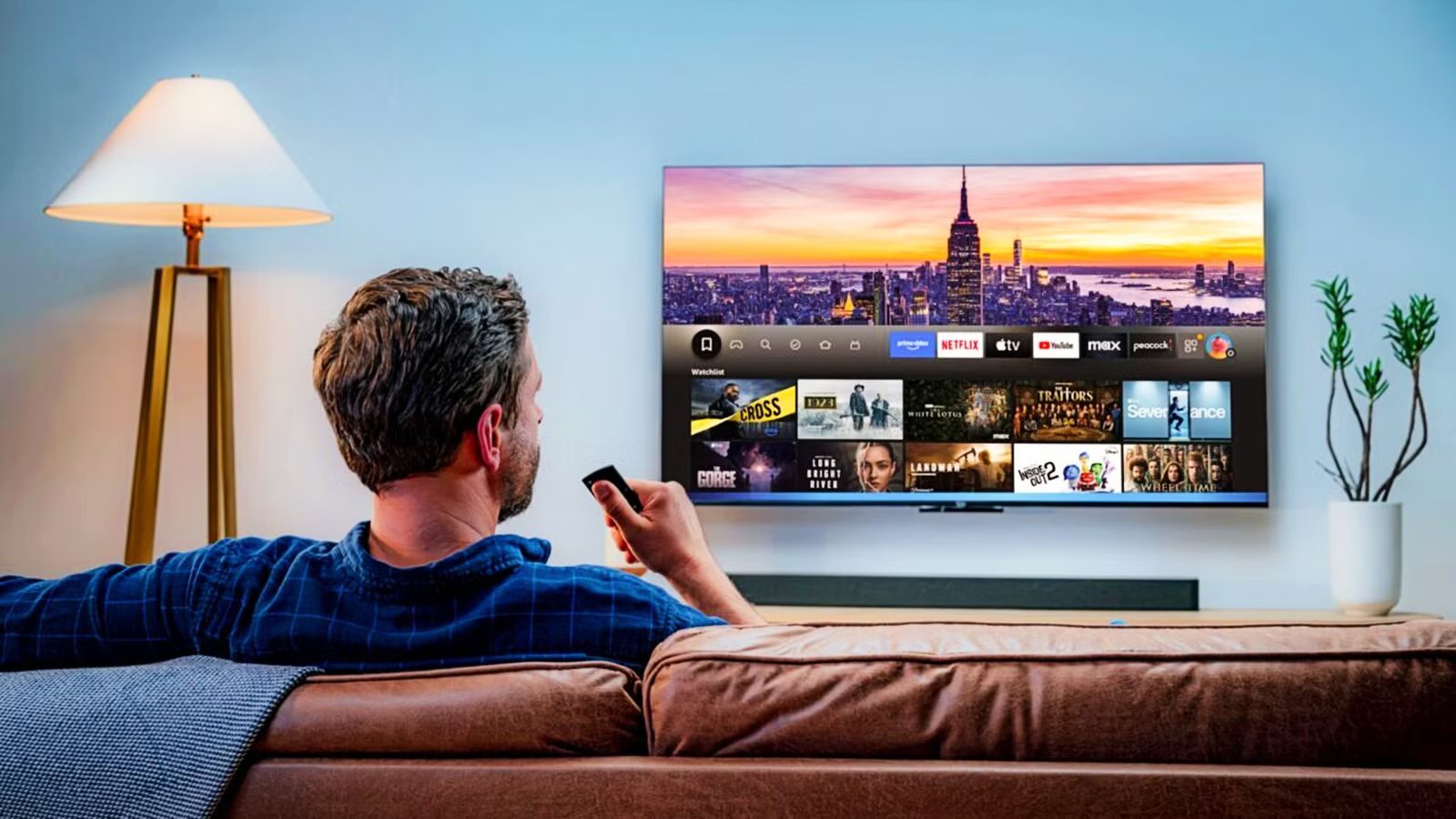
I love having an Amazon Fire TV Stick, but the lag used to be a real problem. Initially, it felt like a great purchase because of the convenience and value, but over time, every click of the remote felt slower. The home screen felt heavy, menus lagged behind input, and trying to jump between Netflix and Disney+ was a test of my patience.
Luckily, Amazon has finally acknowledged this and rebuilt the interface from the ground up. For the first time in six years, we see performance, not pretty pictures, receive the focus.
The first major overhaul in over five years
Amazon rebuilt the interface from scratch
For the first time since 2020, Amazon pushed a significant technical and visual change to the Fire TV interface. Its development teams rebuilt the entire underlying code stack to focus on making it efficient and modern. The interface now operates 20% to 30% faster across supported devices.
We have seen other updates, but they tend to be smaller and not as significant. For example, most of the updates added a feature, or just removed major bugs and kept the system running. When you refresh an entire OS like this, it is a big deal. It is something the company did for free, and it didn’t have to push it to all its devices.
One of the ways that I think Amazon beats Roku is with speed. Roku is very slow with its response times, despite being a good option to use. When I press the navigation pad in the middle of the Fire TV remote, the response is quick. That same action on Roku means a noticeable half-second wait.
I’ve also noticed that Roku tends to mess up my pins if I put them in too fast, but Amazon won’t have that issue at all. So having a new update that focuses on increasing that speed and efficiency just makes the company more appealing.
This backend work makes navigation faster, tab switching instant, and interactions smooth. It basically stops the slow feeling that older Fire TV hardware had. Now it is time for Roku to take notice and do the same thing. Fire TV has a much better interface and is now significantly faster, so the competition has to step up.
Noticeable speed gains and better organization
Other than the speed improvements, the home screen’s structure has gotten a significant and necessary cleanup. In previous versions of Fire OS, you were limited to just six pinned apps in your favorites, so you usually had to go through sub-menus and crowded rows to open other streaming services. Now, the redesigned interface lets you pin up to 20 of your most used apps directly to the home screen.
By using smaller, rounded app icons, the layout fits these extra shortcuts without looking too busy, so your essential subscriptions are easy to get to. Also, core navigation has been moved to the top of the screen with clear tabs for Movies, TV Shows, Sports, News, and Live TV. This structural shift makes it much easier to hop between services, since it groups recommendations by what you want to watch instead of making you open separate apps to see what’s available.
A major feature in this redesign is the addition of Alexa Plus, which changes how you search for content significantly. Instead of scrolling or typing movie titles exactly, the new AI assistant handles natural language requests well.
You can now rely on Alexa Plus to find movies based on specific moods, themes, or genres, like asking for a “gritty sci-fi” film or looking for “sci-fi movies with alien invasions.” That’s the kind of thing that feels like it should have been easy for the AI to do, but now it can do this just fine.
You can also ask follow-up questions to adjust your search, ask about the actors currently on your screen, or even tell the TV to go straight to well-known scenes in a movie. I’ve never liked the AI that gets added in because it feels useless when you want it to act like a real assistant, like describing movies, so it’s a welcome addition.
The limited release and expected timeline
Most users will get the update this spring

While the massive visual overhaul and performance boosts coming to Amazon’s streaming devices are great to hear about, it isn’t guaranteed for everyone soon. There are many users who are still waiting for the “Update Available” notification to pop up on their devices. The thing to remember is that major software updates usually need a phased rollout. This is especially true for those who completely rebuild the underlying code to boost operational speeds by up to thirty percent.
Amazon officially began the rollout of this update in February 2026. However, instead of pushing the massive visual and technical overhaul to the tens of millions of active Fire TV users worldwide all at once, the company made the smarter move. By phasing it, the company can react to bugs or glitches and stop the update if it causes any damage to its services. This is about being safe.
The initial February 2026 release is currently restricted to newer hardware like the Fire TV Stick 4K Plus, the Fire TV Stick 4K Max (2nd Gen), and the premium Fire TV Omni Mini-LED Series televisions. Also, the newly launched Amazon Ember Artline is included in this first wave of devices showing off the new user interface straight out of the box. This is a lifestyle television that doubles as an ambient digital art canvas.
This way, Amazon can carefully monitor how the overhauled Fire OS and the Alexa+ generative AI features work in the wild before pushing the demanding new software to older or less powerful processors. From how things are looking, you should get your new upgrade soon.
If you own an older stick or a TV from partner brands like Hisense, the software is slated to arrive as a free download during a broader release throughout the spring of 2026.
The biggest upgrade is finally here
Amazon’s decision to completely rebuild the underlying code stack feels like a big win for the company. It’s the kind of thing that makes a service feel new and will stick in the minds of users the next time they need a new TV. I love my Roku, but it is difficult to argue against a snappier and more efficient Amazon Fire OS. It’s a great example of how the foundational code is much better than doing more visually.

- Display Size
-
55 inches
- Dimensions
-
48.3” x 28.2” x 2.7”
- Operating System
-
FireOS



