
Finding ways to reuse items in your home is always a good idea. There’s a reason why people hang on to devices years after they’ve stopped using them. I’m sure I’m not the only person who has an old phone that they haven’t used in years still in a drawer or a pile of cords and chargers that don’t work with any of their current devices.
The same could be said about your old credit cards. Generally, when your credit card expires, you should cut it up and throw it away. It’s useless to many people because it can no longer be used to buy anything. But thanks to technology, your old expired credit card can have new life again. You just have to be creative with it and repurpose it within your smart home.

Your credit cards use NFC technology
It’s one of the best ways to use a credit card

You’ve probably gone to the store recently and tapped your credit card on the machine to pay for something. It’s arguably the most popular way to pay for something in person these days. The need to swipe your card is long gone in most stores, making this an easier way to pay than even taking cash out of your wallet.
That’s due to Near Field Communication or NFC. This is what leads to tap-to-pay technology between your credit card and the machine. A microchip inside the credit card transmits a signal through a tiny antenna to provide your encrypted payment data to the machine on the other end. You’ll see a little contactless symbol, which is some curved lines resembling waves being transmitted.
The terminal at the store or from the merchant receives the radio waves from your card, ringing up your purchase and moving the transaction forward. It’s the same way when you’re using a stored credit or debit card on your phone and tap that on a terminal as well, using technology like Apple Pay or Google Pay. It’s offered on most phones today, both Android and iPhone.
This all goes smoothly because the data that is transferred is heavily encrypted. The action of tapping creates a unique tag that is sent between the devices. It can’t be reused, so your transaction is logged with that tag.
Using NFC technology in other ways
Setting up smart home automations is a fun one
Another way to use NFC technology is to set up home automations in your home. You can use an app like the Shortcuts app on an iPhone to set up automations for your smart home devices.
Having something like an NFC tag can be the trigger for your smart home automations. Most of these are If/Then automations, meaning that once one thing happens, another thing will occur. This is the main purpose of a device like a motion sensor. It senses motion and that triggers another action.
Using an NFC tag does the same thing. If you tap your phone on it, it can trigger another event to happen. If you have smart plugs, lights, locks, or just want to work well with an app on your phone, you can tap an NFC tag to do so.
Buying NFC tags is a simple way to set up different actions around your home. You can set up different tags around the house and use each of them for a different action.
An ideal way to do this is to put one by your bed and have it turn your phone into Do Not Disturb mode before you go to bed. Tap your phone on a light switch going up the stairs and lights in the bedroom at the end of the hallway will turn on, alleviating you from having to walk up the stairs in the dark.
There are a million ways to sync up your NFC tags, as these rather cheap accessories provide endless opportunities. But, if you don’t want to spend any money on them, your old credit cards can serve the same purpose.
Set up your credit cards for home automations
Just a simple tap can get the same result

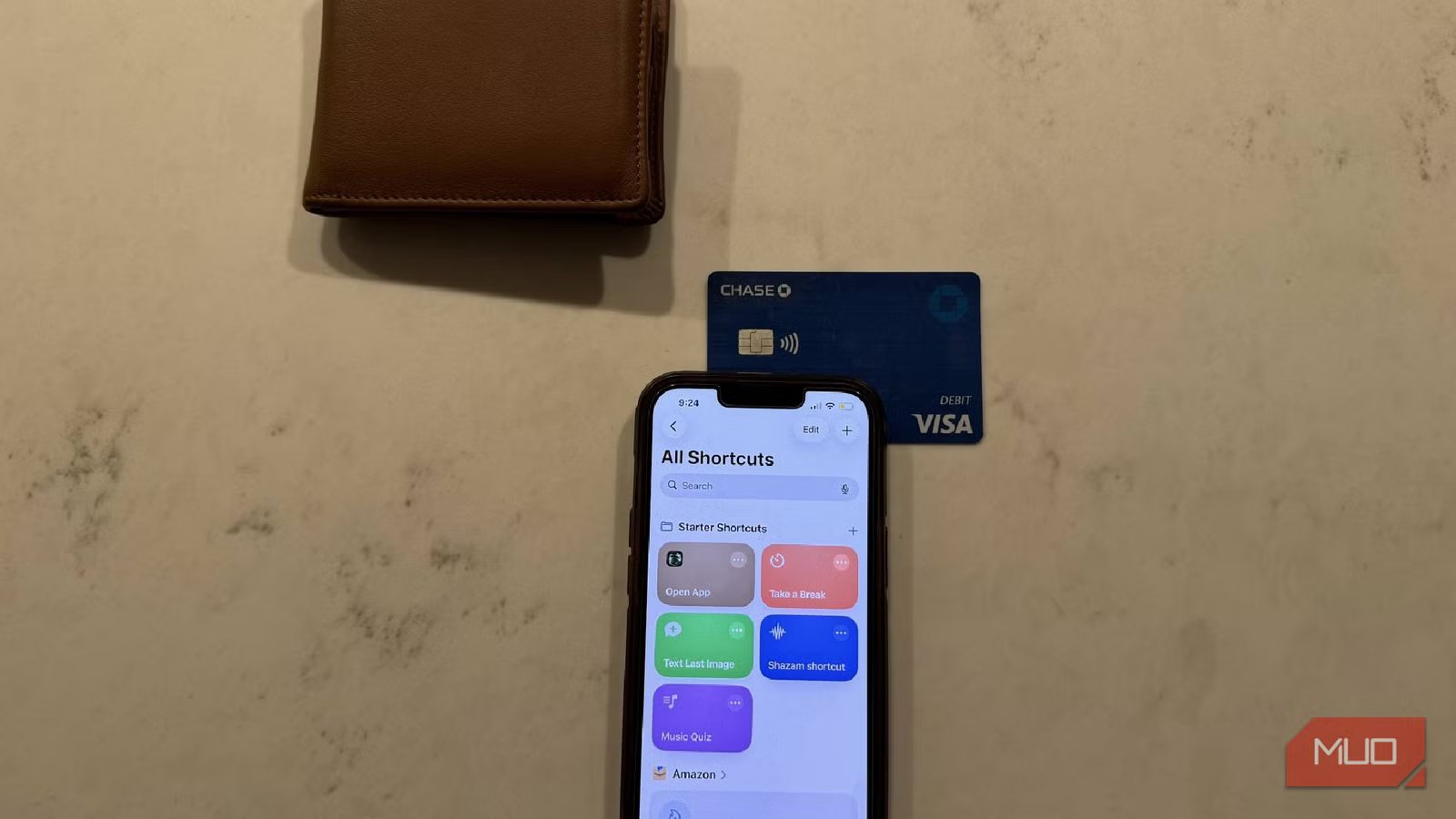
Seeing as an NFC tag uses the same technology as your phone does when you tap-to-pay, you can use an old credit card to serve as a tag for your smart home. I had an old Visa card that I wasn’t using anymore because it had expired. So, I took it and repurposed it for an automation.
During the New Automation setup in Shortcuts on an iPhone, you can select NFC as the trigger part for your movement. It will then ask you to Scan, meaning it wants you to tap your phone reader (the top portion of your phone) to an NFC tag. Tapping it on the credit card will trigger the NFC technology, signifying a link between your phone and the credit card for a trigger.
I selected for it to Run Immediately whenever the phone tapped this credit card. From there, I made it so that a tap from the credit card would turn on a smart light in the corner of my room. I placed the credit card on my desk so that, when my office started to get dark because the sun was setting, I could tap my phone on that card and the lamp in the corner would turn on. Since I don’t have a smart speaker in my office, I had to either get up and turn the light on manually or go into the manufacturer’s app to turn it on.
Tapping my phone on the credit card is a much faster way to bring light into the room when it starts to get dark. It beats having to use a smart plug with that lamp as well.
I do have to use a smart bulb in that lamp and one that syncs up with Shortcuts. Not all smart bulb apps will work with Shortcuts, so check the bulb’s capabilities before you use it.
My credit card is still in use now
Using an expired credit card as an NFC tag gives new life to something I would have thrown away. It is an easy tag to use, saving me a few bucks as the NFC technology is built into it. While I don’t have a lot of expired credit cards lying around my house, having one for this purpose has been a fun use of smart home technology.



