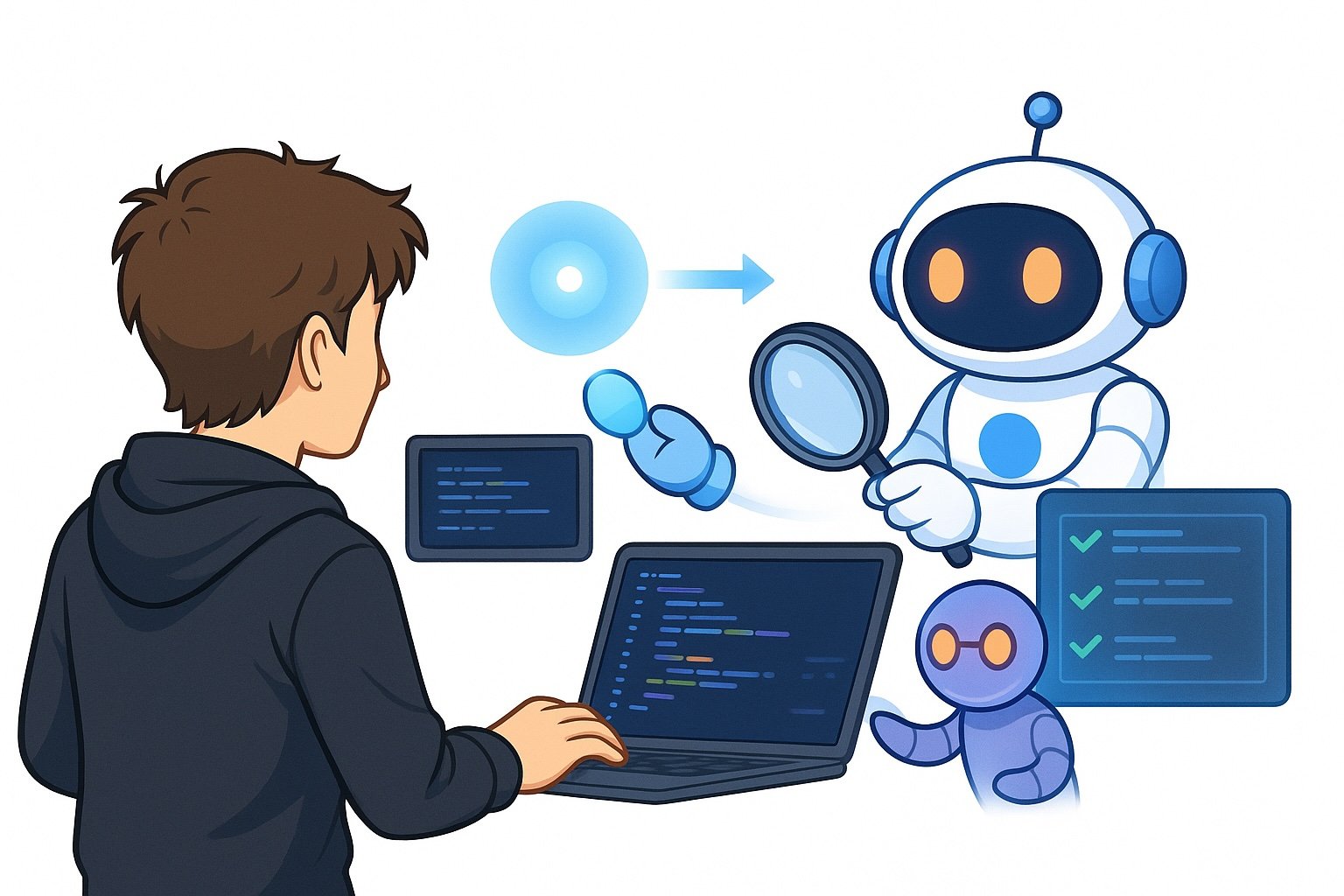
you can use to run Codex separately from the terminal to complete a very specific task, where the agent triggering Codex only receives the final output from the task.
You can imagine it being basically a sub-agent that all coding agents use. It’s just a more powerful sub-agent that can itself spawn other sub-agents because it’s Codex itself.
In this article, I’ll discuss how I utilize the Codex exec command for maximal productivity, highlighting how I leverage both Claude Code and codex together to have the most optimal coding setup.

Why use Codex exec
An initial question you might ask is: Why should I use Codex exec and not just spin up Codex myself to complete the tasks? The simple answer is that these have very different use cases. You should, of course, spin up Codex yourself if you want to complete work with it specifically, but the Codex exec command is most useful when executed by other coding agents.
Usually, I have Claude Code trigger the Codex exec command to perform specific actions, typically reviewing work that Claude Code has done. I could also run the Codex exec command from another codex agent because the command will start a fresh thread where the context isn’t affected by the previous work that I’ve done.
This is very good when you want to review work, because you don’t want the reviewer to have all previous context. The whole point of having a reviewer is that they don’t have access to your entire logs. It just checks what you have done, compares it to the task that you try to achieve, and can review if there are any bugs or if you didn’t complete the task properly.
How to effectively utilize Codex exec
Understand what Codex exec is.
There are a plethora of use cases for Codex exec. I’ll discuss some specific use cases that I use Codex exec for, but you should also think through your own workflows and how you can get the most out of Codex exec.
In simple terms, Codex exec is just another coding agent that you spin up that has no prior context, and it completes a piece of work given the initial prompt you provide when running the command.
codex exec "" Codex exec as review agent
You might, for example, use it with the following command:
codex exec "Go through this PR review the contents of the PR, look for
any severe bugs, classify them into P1, P2, and P3 level issues.
Also review the original task description and determine if the PR
solves what the task asked for."
With this simple command, you’ve got yourself a super-powerful review agent. I think this is probably the most important use case you can use Codex exec for, because Codex is an incredibly good code reviewer.
I use Claude Code as my main driver when performing code implementations. However, I use Codex exec to review the code that Claude produces.
I’ve compared this to reviewing code with Claude Code, and I don’t even think they’re remotely comparable. I think Codex is a vastly more powerful reviewer. I notice this in 2 main ways:
- Codex is able to detect issues that Claude Code simply doesn’t detect. This prevents a lot of bugs, and after implementing Codex as my code reviewer, I’ve almost completely eliminated the bugs caused by new code being added to production, which is a pretty incredible achievement. This is basically the recall of the review agent.
- Codex is, however, also better at precision when it comes to being a review agent. I think when I use Claude Code to review code, it presents a lot of non-issues that don’t really matter or are simply incorrect. I very rarely have this experience with Codex, and in the few cases where Codex also makes such a mistake, I have experienced that Claude Code would also make a similar mistake.
All in all, Codex is just an amazing code reviewer, and using it is one of the simplest things you can do to vastly improve the quality of your code and reduce the number of bugs you experience. When using Codex as a review agent, make sure you fix all of Codex’s feedback before merging any code to production, and ensure you re-request a review from Codex after fixing such issues, and continue until Codex approves your PR.
Making this simple change will give you immediate improvements.
Codex exec for planning
Another very powerful tip for using Codex exec and getting a lot out of it is to use it when planning out implementations.
I think Claude Code has a pretty powerful and well-working feature, which is called Ultracode. This basically spins up a lot of subagents, uses a lot of tokens, and makes Claude Code overall perform better. I think it especially works well if you are performing refactoring.
However, Claude Code planning isn’t perfect, just like Claude Code reviewing code. And in the same way I use Codex to review code before merging it to dev or prod, I’ll also use Codex to review the plan that Claude Code makes.
Now you could ask yourself the question: why don’t you just simply make the plan with Codex itself? And yes, you can definitely do that. I have some mixed experiences with it, and from my experience, the best approach currently with the models available is to use Claude Code to make the planning, but have Codex review the plan, verify it achieves the objective you’re trying to achieve, and that there are no issues, misalignments or ambiguities.
To have Codex review the plan that Claude Code makes, I simply describe a task to Claude Code and tell him to make a plan and complete it. Then, once the plan is made, it should have Codex review the plan with a specific prompt that we always use and have it iterate on the plan until Codex approves the plan. You can simply type this in either your user-level Claude prompt or simply prompt Claude Code to do it every time you do a new implementation.
Codex exec for a second opinion on topics
The last specific use case where I use Codex exec is just to get a second opinion on the topic. For example, if I’m determining an architectural decision or figuring out the root cause of a bug, or similar. I will typically ask Claude Code first and then ensure that Claude also asks Codex for an opinion.
Now, the alternative to this would be for me to spin up a separate Codex instance and ask Codex the same prompt I’m asking Claude Code. This is, of course, very doable and something you can just do. The problem is that this takes time and gives you more sessions to keep a hold of. It’s much better to prompt Claude Code to spin up Codex itself, as there’s no real difference between Claude spinning up Codex or me spinning up Codex, and Claude Code just immediately gains the extra power that Codex provides it without me having to spend extra time spinning up Codex sessions, reviewing the output, copying and pasting the output into Claude Code, and so on.
Simply put:
Having Claude Code spin up Codex sessions using Codex exec is simply more effective than me having to spin up Codex sessions myself.
Conclusion
In this article, I’ve discussed how to get the most out of the Codex exec command. The Codex exec command is basically a way to spin up Codex to perform a specific piece of work, and it works incredibly well to get a second pair of eyes on a problem. This can be reviewing code, reviewing the plan for an implementation, or just getting a second opinion on a topic.
I think the idea that I described in this article will become very important in the years to come. We’ll have several different frontier-level agents, coding agents available to us, and we’ll probably see that some coding agents are better at some tasks and other agents are better at other tasks. For example, now the situation I believe is that Claude Code is better at raw implementations, while Codex is better at reviewing code and reviewing output produced.
Thus, to get the most out of all models, I use the models where they work the best, which is having Claude do the main implementations and using Codex to review the code. Combining LLMs like this is a great way to create even more powerful coding systems, and I believe this will be more and more important in the future.
👉 My free eBook and Webinar:
🚀 10x Your Engineering with LLMs (Free 3-Day Email Course)
📚 Get my free Vision Language Models ebook
💻 My webinar on Vision Language Models
👉 Find me on socials:
💌 Substack