
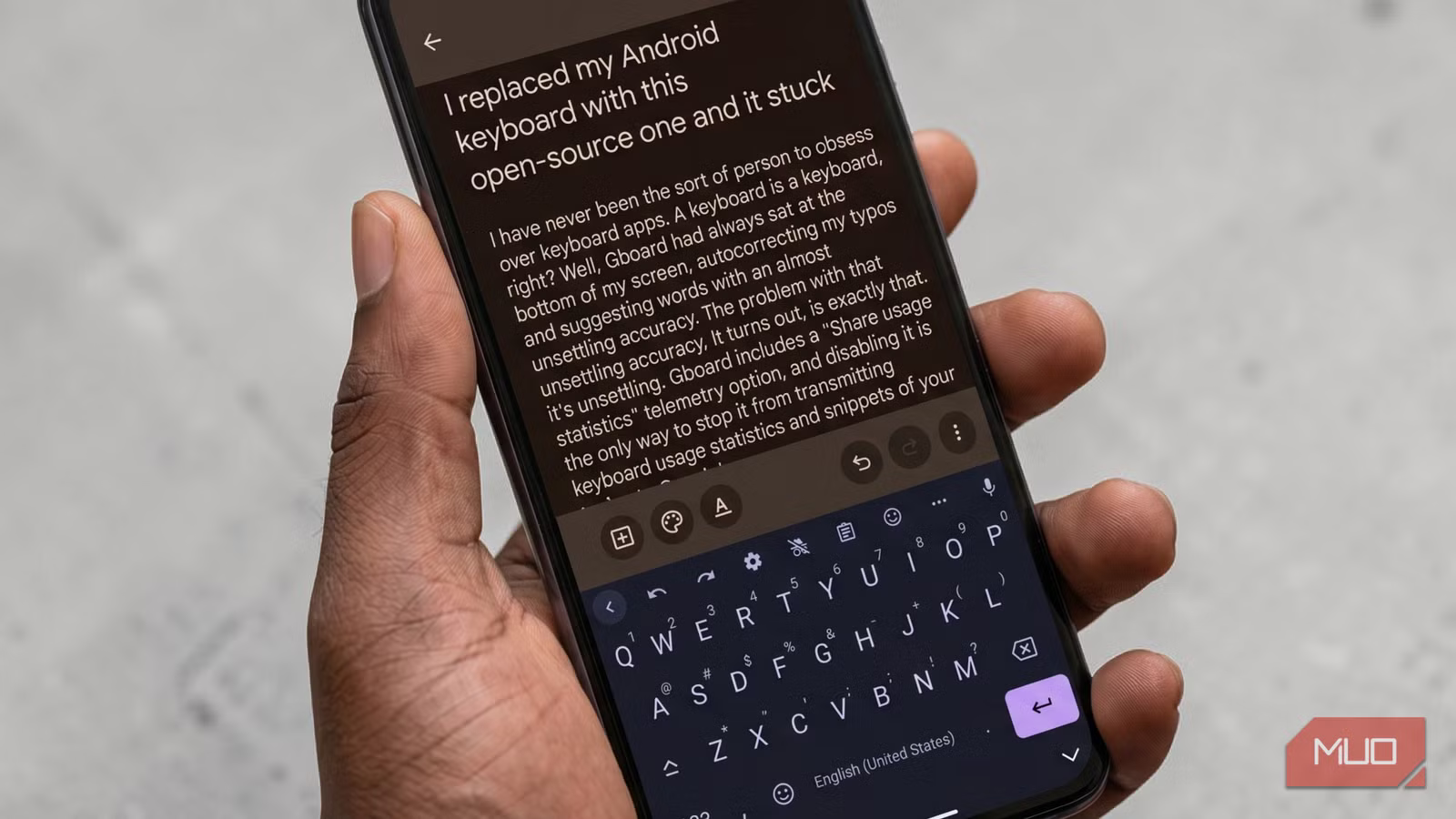
I replaced my Android keyboard with this open-source one and it stuck
I have never been the sort of person to obsess over keyboard apps. A keyboard is a keyboard, right? Well, Gboard had always sat at the bottom of my screen, auto-correcting my typos and suggesting words with an almost unsettling accuracy. The problem with that unsettling accuracy, it turns out, is exactly that: it’s unsettling. Gboard includes a “Share usage statistics” telemetry option, and disabling it is the only way to stop it from transmitting keyboard usage statistics and snippets of your typing to Google’s servers.
Even with those settings toggled off, the fact that you need a checklist to stop your keyboard from narrating your life to a corporation was too much overhead. That was the nudge I needed. I went looking for something cleaner. I actually tested a few open-source alternatives to Gboard before I ultimately found FlorisBoard.

This brilliant new Android keyboard makes typing effortless
I speak and this keyboard types, and it’s damn brilliant.
FlorisBoard is a free, open-source keyboard
Community-built, privacy-first, and unbothered by your typing habits
FlorisBoard is built with a clear focus on usability, customization, and, importantly, privacy. It runs under the Apache 2.0 license, so the entire codebase is out in the open on GitHub for anyone who cares to inspect it. And that transparency isn’t just for show. The app’s privacy policy is pretty explicit about how things are handled: anything it accesses or stores stays on your device.
Getting it installed is straightforward. You can grab it from F-Droid or sideload the APK from GitHub if you already know how to manually install or sideload apps on Android. I went with F-Droid, which is fitting given the whole open-source angle. Once it’s on your phone, setup involves the app walking you through enabling the keyboard in your Android settings, then setting it as the default — three steps, done.
One of the first things I tinkered with was the theming system. Right out of the box, you get a handful of clean, well-designed options like Floris Day, Floris Night, and a few borderless variants. There’s also support for Material You, so if you are unfamiliar with what it is and Android’s approach to theming, it basically means the keyboard can dynamically pull colors from your wallpaper if your phone supports it. You can even have themes switch automatically based on the time of day, with sunrise and sunset controls if you want to get precise.
More interesting is the Addons Store. The community has put together a bunch of third-party themes you can download and drop right into the keyboard. The Catppuccin pack is a good example. It comes with multiple variants like Latte, Frappé, Macchiato, and Mocha, along with borderless versions of each. Everything is managed inside the app through a built-in add-on manager, so you’re not poking around in file folders trying to make it work. It’s all neatly contained, which I appreciate.
It does more than tap and type
Smartbar, clipboard, gestures, and the emoji colon trick
The strip that runs above the keyboard — FlorisBoard calls it the Smartbar — does a lot of work. It houses undo and redo buttons, which, when you’re editing a long message, you’ll realize you actually need often. There’s a clipboard shortcut, a one-tap emoji panel, a microphone for voice input, and a three-dot overflow menu that expands into a second row of quick actions. In the second row, you can toggle one-handed mode, switch on autocorrect, pull up navigation arrow keys for precise cursor placement, cut, paste, select all, or hide the keyboard, all without leaving whatever app you’re in. It functions like a compact toolbar that keeps your most-needed actions within thumb’s reach.
The clipboard manager, in particular, is a feature I lean on a lot. It is incredibly useful, and if you aren’t using one, you’re probably ignoring your Android keyboard’s best feature. It was really one of the reasons I stuck with Gboard for so long. FlorisBoard handles it in a very similar way. You can keep a running history of copied items, set a limit to prevent it from getting out of hand, and pin anything you don’t want to lose. There’s also a small but thoughtful touch where recently copied text can pop up directly in the Smartbar for quick access, especially useful when you’re hopping between apps and copying things in quick succession. Again, just like Gboard.
Then there are gestures, which add a bit of speed once you get used to them. You can swipe in different directions across the keyboard to trigger actions, and the space bar doubles as a kind of cursor scrubber, letting you slide through text more precisely. If you’re into emojis, there’s a neat shortcut baked in too. Start typing a colon followed by a few characters, and the keyboard will suggest matching emojis right there in the Smartbar, similar to how platforms like Slack or Discord handle it.
FlorisBoard, unfortunately, lags in some ways
Worth knowing before you commit

FlorisBoard is still in beta, and this is most evident in one area. There are no word suggestions or spell checking in the current version. The app doesn’t try to hide that either. It’s spelled out in the Typing settings, and the developer has already said that suggestions are high on the list for the next big update. Still, if predictive text is a big part of how you type, this is something you’ll feel pretty quickly.
Glide typing is also missing for now. That’s on the roadmap too, but it’s being rebuilt from the ground up alongside a new layout engine, so it might take a bit of time. Outside of those two areas, though, the app is solid. You can use it day-to-day without much friction. But those two features carry a lot of weight, and depending on how you type, they might be hard to overlook.
Should you make the switch?
If you type quickly, rely heavily on autocomplete, or live and die by swipe-to-type, FlorisBoard isn’t quite ready to be your only option yet. But if you’re tired of your keyboard app knowing more about your typing habits than your journal does, and you type with reasonable accuracy, or are willing to trade predictive text for privacy and a good feature set, it’s worth the experiment. I came in skeptical and stayed because it earned it.

- OS
-
Android
- Price model
-
Free
FlorisBoard is a privacy-focused, open-source keyboard app for Android, featuring modular layouts, rich customization, multilingual support, clipboard management, and gesture controls, prioritizing user data security without ads or trackers.