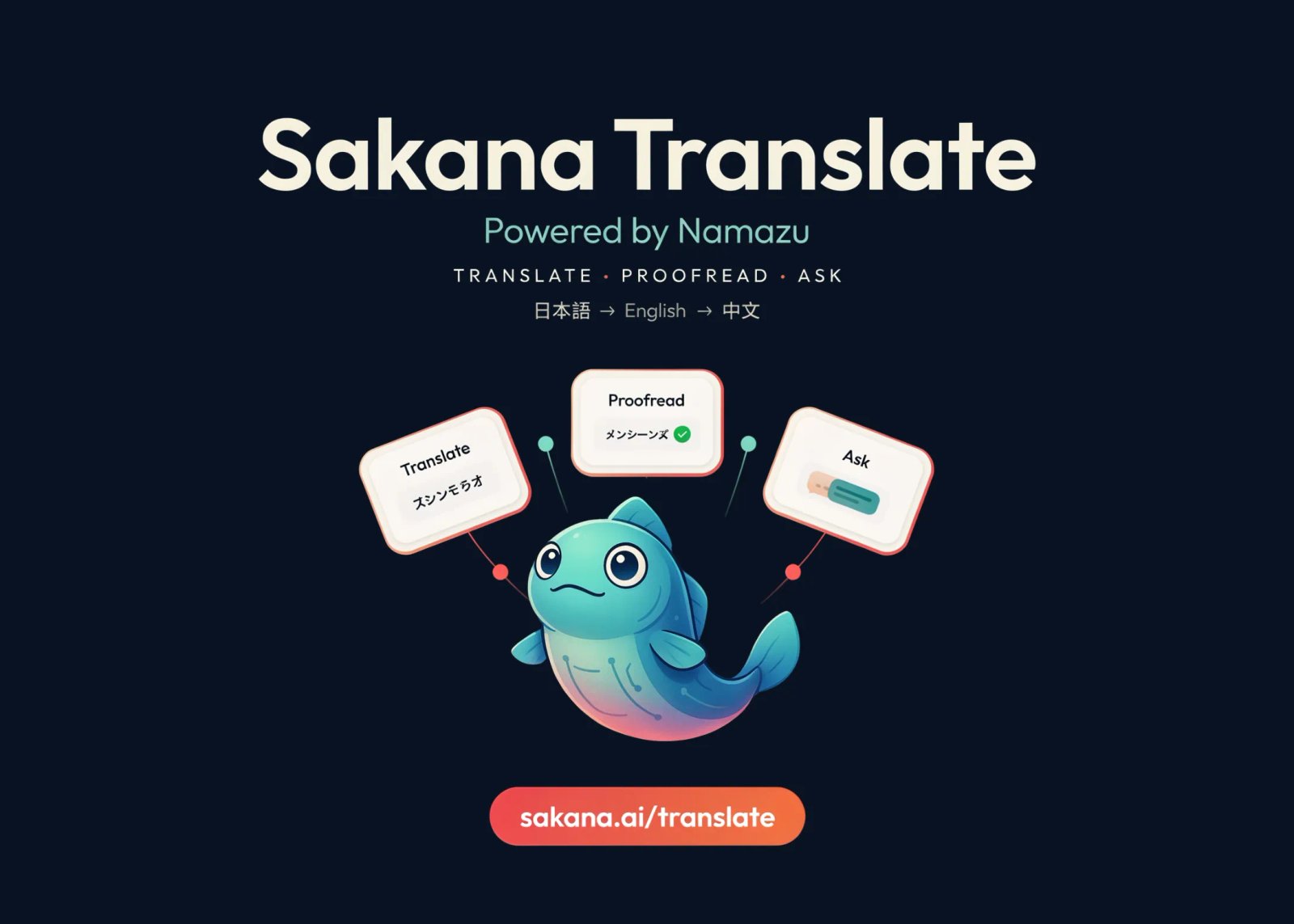
Sakana AI has added a new feature called Sakana Translate to its chat service, Sakana Chat. It handles bidirectional translation across Japanese, English, and Chinese. The translation engine is Namazu, the company’s model series adapted for Japanese.
Sakana Translate ships as a free web app. A single account unlocks all three of its modes.
What is Sakana Translate
Sakana Translate is a browser-based translation product, not a new base model. It runs on Namazu, Sakana AI’s Japan-adapted model series.
The concept Sakana AI states is ‘deep translation for Japan.’ The goal goes beyond swapping words and sentence structures. It aims to carry context, tone, and register between languages.
That focus targets a specific gap. Sakana AI argues that general tools often miss what makes Japanese distinctive. Examples include business honorifics, culturally specific concepts, abbreviations, and internet slang. Grammar may stay correct while interpersonal tone gets lost.
The product bundles three functions into one screen: Translate, Proofread, and Ask.
The Three Modes, Explained
Each mode targets a different everyday task. The table below summarizes them.
Mode
What it does
Key detail
Best for
Translate
Converts pasted text between the three languages
Up to ~5,000 Japanese characters, streaming output, history saved automatically
Emails, slide decks, articles, web pages
Proofread
Refines a draft into a more natural version
Changes shown with diff highlighting; adjusts tone, politeness, and formality
Business email and English writing checks
Ask
Answers follow-up questions about a result
Clarifies nuance, suggests alternatives, explains grammar in the same context
Learning why a translation reads the way it does
A few terms are worth unpacking for engineers new to this space.
Streaming output means the translation appears progressively, token by token. You do not wait for the full result before reading. This mirrors how chat models return text.
Diff highlighting shows exactly what changed. Additions and removals are marked inline, like a version-control diff. Proofread goes past grammar. It also tunes naturalness, politeness, and the register a reader expects.
Ask removes the tool-switching problem. You no longer jump between a translator and a dictionary. Nuance questions get answered against the same source and output.
You can try all three modes in the interactive demo below
Interactive demo
Sakana Translate
Three modes — Translate, Proofread, Ask — powered by the Namazu model series. Japanese ↔ English ↔ Chinese.
TranslatePaste and convert long text
ProofreadRefine a draft with diffs
AskQuestion a result
Direction JA → EN EN → JA JA → ZH ZH → JA
Examples Business email (JA→EN) Internet slang (EN→JA)
Source0 / 5,000
Sakana Translatestreaming
Translate examples are Sakana AI’s published outputs.
Proofread refines a draft into a more natural, appropriately polite version. Changes appear as diff highlights: and removals. This example is illustrative of the documented behavior.
Example Polish an English business reply
Your draft
Refined (diff)tracked changes
Ask lets you question a translation without leaving the screen. Clarify nuance, request alternatives, or get a grammar note. Answers below are illustrative of the documented behavior.
Result in context — JA→EN Source: お見積り拜見しました。勉手なお願いですが、もう少しご相談できますか? Translation: I saw your quote. This is a bit of a selfish request, but could we talk a bit more?
Demo by Marktechpost — illustrative, not a live API connection. Try the live tool →
Cookie Consent
We use cookies to improve your experience on our site. By using our site, you consent to cookies.
Contains information related to marketing campaigns of the user. These are shared with Google AdWords / Google Ads when the Google Ads and Google Analytics accounts are linked together.
90 days
__utma
ID used to identify users and sessions
2 years after last activity
__utmt
Used to monitor number of Google Analytics server requests
10 minutes
__utmb
Used to distinguish new sessions and visits. This cookie is set when the GA.js javascript library is loaded and there is no existing __utmb cookie. The cookie is updated every time data is sent to the Google Analytics server.
30 minutes after last activity
__utmc
Used only with old Urchin versions of Google Analytics and not with GA.js. Was used to distinguish between new sessions and visits at the end of a session.
End of session (browser)
__utmz
Contains information about the traffic source or campaign that directed user to the website. The cookie is set when the GA.js javascript is loaded and updated when data is sent to the Google Anaytics server
6 months after last activity
__utmv
Contains custom information set by the web developer via the _setCustomVar method in Google Analytics. This cookie is updated every time new data is sent to the Google Analytics server.
2 years after last activity
__utmx
Used to determine whether a user is included in an A / B or Multivariate test.
18 months
_ga
ID used to identify users
2 years
_gali
Used by Google Analytics to determine which links on a page are being clicked
30 seconds
_ga_
ID used to identify users
2 years
_gid
ID used to identify users for 24 hours after last activity
24 hours
_gat
Used to monitor number of Google Analytics server requests when using Google Tag Manager