
Summary
- The One UI 9 beta starts for Galaxy S26, S26+ and S26 Ultra with early Android 17 tweaks.
- It adds fun customization: resizable Quick Panel widgets, new Samsung Notes styles, and an editable profile card.
- Features include security alerts auto-block risky apps; accessibility merges TalkBack, adds cursor speed and text magnifier.
Ahead of Google I/O next week, Google will formally unveil all the Android 17 changes today, and partners are already getting the ball rolling on their adaptations. Samsung is first out of the gate with a newly released One UI 9 beta, which will roll out starting this week to adventurous Samsung Galaxy S26, Galaxy S26 Plus, and Galaxy S26 Ultra users.
The beta is a bit light on new Samsung-specific features, but it does come with a touch of fun, including new customization options. It’s also carrying accessibility and security enhancements, which are always welcome.
We can’t predict how this beta will evolve over the coming months, but Samsung says it will add a lot more to the One UI experience when it launches new flagships later this year. You can expect a heavy dose of Galaxy AI improvements down the line for sure. We can’t be sure how many of Google’s changes Samsung will eventually adopt, but you can read our previous rundown of the newest features being teased for Android 17 if you’re curious about what’s on the horizon.

6 fun new One UI 9 features to play with
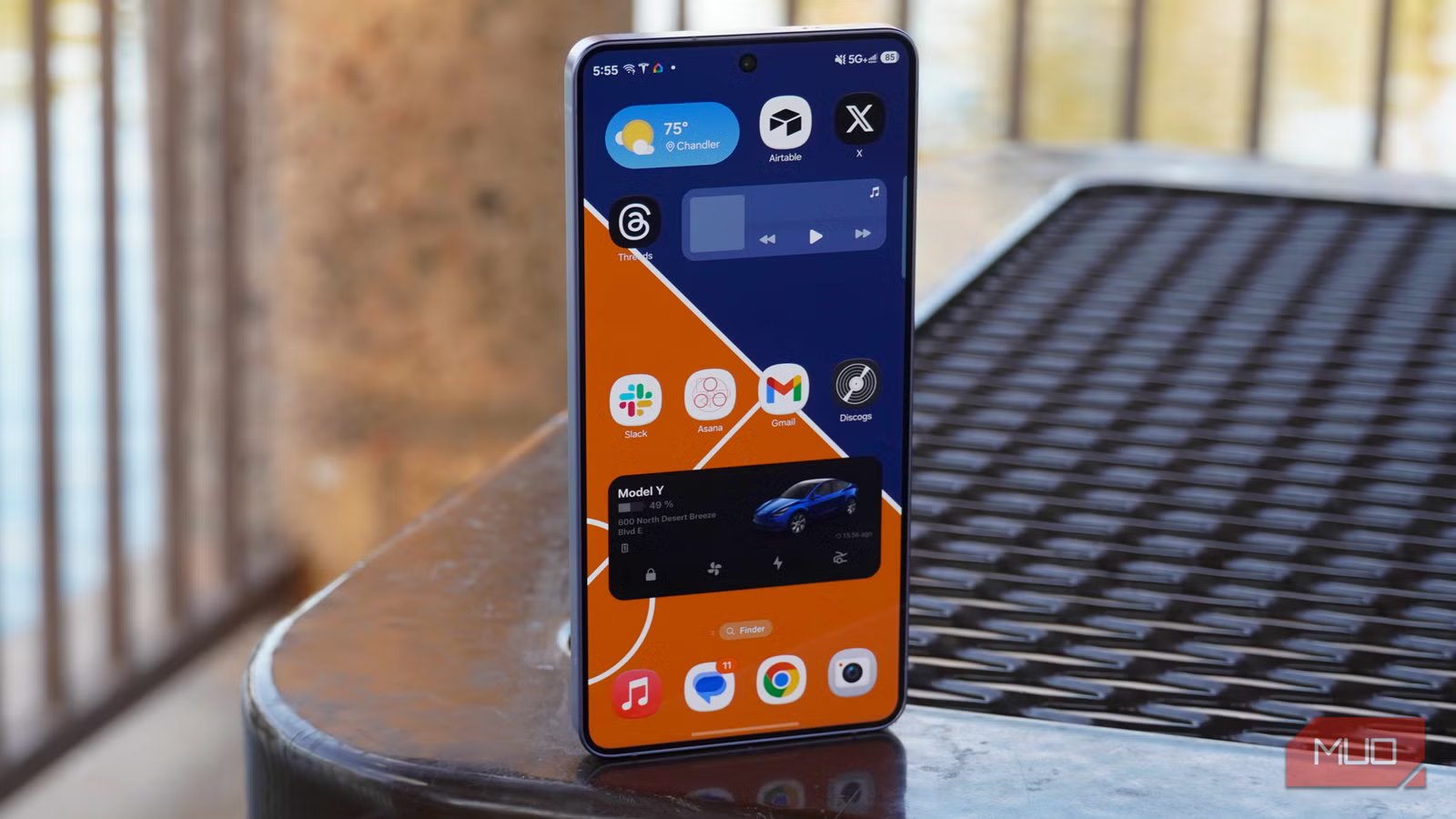
Samsung adopted one of iPhone’s most beloved new features.

Justin Duino / MakeUseOf
For starters, Samsung now lets users resize multiple modules in the Quick Panel. You can resize the brightness, sound, and media player widgets, presumably with the ability to rearrange them to your preference. Not to stir up phone war drama, but it’s a feature iPhone users have enjoyed for some time now, and it’s been a hit over there.
You’ll find more fun changes in Samsung Notes, including new pen line styles and decorative tapes. You can also personalize your profile card, which other Samsung users can see when you call them, directly from the Contacts app using a new shortcut to Creative Studio.
If you use a mouse with your Galaxy smartphone, perhaps in DeX mode, you’ll be happy to find new options for adjusting your cursor speed, plus a new feature that magnifies selected text in a floating window. Samsung is also merging some of its TalkBack features with similar screen-reading features that are standardly available in Android.
Lastly, your phone will warn you when it detects security threats and high-risk apps, allowing you to automatically block their installation and execution before deleting them while you await the latest security updates to plug the targeted vulnerabilities.
If you’re interested in trying out the new changes ahead of schedule, you can sign up for the beta program in the Samsung Members app. It’s rolling out in the US, UK, Germany, India, Korea, and Poland.

- SoC
-
Snapdragon 8 Elite Gen 5
- Display
-
6.3-inch Dynamic AMOLED 2x
- RAM
-
12 GB
- Storage
-
256 or 512 GB
- Battery
-
4,300 mAh
- Operating System
-
Android



