
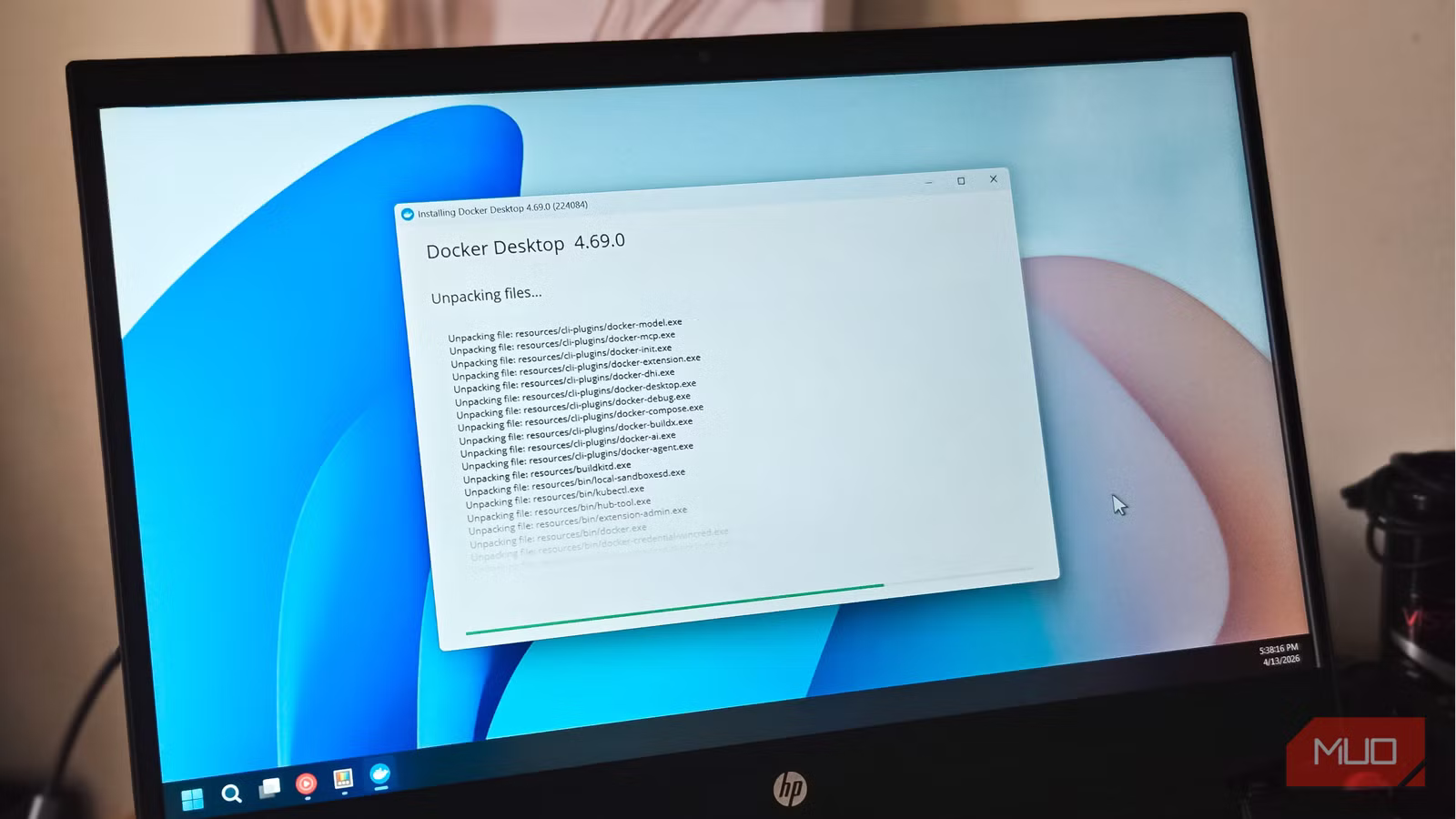
Docker has this reputation as an intimidating developer tool that belongs in terminal windows, server racks, and conversations about CI/CD pipelines. And to be fair, developers absolutely love it. But that framing undersells what Docker actually is. Underneath all the developer culture surrounding it, Docker is really just a clean way to package software. An app, its dependencies, its environment, all bundled into a portable container that behaves the same way wherever you run it.
That solves a lot of annoyingly persistent problems, including dependency collisions, mysterious setup failures, and “works fine on my machine” absurdity. You can spin up applications, break them, wipe them out entirely, and then rebuild everything in minutes, as if nothing had happened.
For me, Docker became interesting the moment I realized it makes self-hosting approachable in a way traditional installs often aren’t. You don’t need to be a systems engineer to run powerful software on your own hardware anymore. The apps below are what pushed me from casually aware of Docker to relying on it, and there’s a good chance they’ll make the case better than I can.

Docker isn’t just for developers — I’m a regular user and it changed how I run apps
You asked for it in many a comment and here it is: Docker 101 (A).
Nextcloud
The cloud, but you own the weather
I canceled my Google One plan the same month I got Nextcloud running, and I haven’t missed it once. Nextcloud is a self-hosted file sync and collaboration platform that covers most of what people expect from Google Drive or Dropbox, including granular file sharing with password protection and expiration dates. The difference is that the server belongs to you, which means full control over your data and fewer recurring subscription costs hanging over your head.
It also extends far beyond plain-file storage. Nextcloud has an enormous ecosystem of first-party and community-built apps. You get a proper calendar and contacts suite with native CalDAV and CardDAV syncing, a Kanban-style task manager called Nextcloud Deck that ties directly into your files and calendar, collaborative document editing through Nextcloud Office using either Collabora Online or OnlyOffice, and even built-in video calls through Nextcloud Talk. The desktop and mobile sync apps are polished and dependable in day-to-day use, though I wouldn’t recommend them for workloads with hundreds of tiny, constantly changing files, such as active Git repositories.
Docker is a major reason Nextcloud is user-friendly. Updates are clean, rollbacks are straightforward as long as you upgrade one major version at a time, and you can pair it with a reverse proxy like Nginx Proxy Manager to handle SSL termination and remote access without touching your system’s PHP installation at all.
Vaultwarden
Full Bitwarden features for almost nothing
Bitwarden is widely regarded as the best open-source password manager, and for good reason. But if you want to self-host the official Bitwarden server, the resource requirements are substantial, often requiring several gigabytes of RAM to support its enterprise-grade MSSQL database. Enter Vaultwarden. I recently built my own password cloud server, and finding this unofficial, community-built, Rust-written server was a game-changer. It speaks the same API language as the official Bitwarden clients and runs on a fraction of the hardware — even a low-power Raspberry Pi.
Running Vaultwarden via Docker means you get the full Bitwarden client experience, including browser extensions, desktop apps, and mobile apps, while your vault data lives entirely on your own hardware. You get organization support, secure sharing, TOTP storage, and emergency access, which are features that are paywalled on Bitwarden’s cloud tier. For your family or if you have a small team and want all of that without a subscription, Vaultwarden is a good setup, provided you handle your own security updates and off-site backups.

- Developer
-
Daniel García
- Price model
-
Free, Open-source
Vaultwarden is a lightweight, self-hosted password manager compatible with Bitwarden clients, designed to run efficiently on low-resource servers.
Immich
Google Photos left the chat
Self-hosted photo management has long been a graveyard of abandoned apps and miserable UX. Then came Immich. It’s a fast, mobile-first photo and video backup system that, after several years of breakneck development, reached its major “Stable” v2.0 milestone in late 2025, though the developers still push updates at a relentless pace.
The mobile apps on iOS and Android handle background uploads without drama, and the web interface is clean, responsive, and trustworthy. On top of basic backup, you get machine-learning features like face recognition, object detection, and smart search, which means you can actually locate old photos without obsessively tagging everything. Albums, shared libraries, and partner sharing round it out nicely, making it work for households rather than just solo use.

- Price model
-
Free
- OS
-
Linux, Windows, macOS, Android, iOS
Immich is a self-hosted solution that allows you back up, organize, and manage your photos on your own server. It allows you to browse your photos and videos with ease and does not sacrifice privacy.
Jellyfin
A media server that owes you nothing
Plex built its brand on being the friendly, polished option for personal media servers, and it still is. But Plex’s increasing push toward a cloud account requirement, its ad-supported free tier, and the slow creep of subscription features have made many users restless. That frustration has pushed many people toward Jellyfin, a fully open-source alternative that skips mandatory accounts entirely.
On the practical side, Jellyfin covers the usual suspects: movies, TV shows, music, live TV with a tuner card, and even audiobooks if you’re organizing your library that way. The interface is clean enough that you don’t really think about it, and client support is wide, including smart TVs, Roku, Fire Stick, iOS, Android, the whole spread. Hardware transcoding also performs quite well on modern GPUs and systems with Intel Quick Sync support.
More importantly, there are no feature gates. Everything Jellyfin offers is available to everyone, forever—though you are responsible for managing your own remote access via a VPN or reverse proxy, as Jellyfin lacks Plex’s “one-click” remote streaming relay.

- Developer
-
Jellyfin Community
- OS
-
Android, iOS/iPadOS, Android TV, Fire TV, Web browsers
- Pricing model
-
Free (open-source)
- Initial release
-
December 8, 2018
Jellyfin is a free-and-open-source media-server system that lets you self-host your movies, music, TV shows, photos and more and stream them to any device without subscriptions or third-party tracking.
Home Assistant
The brain your smart home deserves
If you’ve spent any time building a smart home, you’ve probably hit the fragmentation wall. Your lights live in one app, the thermostat hides in another, and the security cameras demand their own dashboard. Half the ecosystem feels like it was designed by companies that have never spoken to each other. Home Assistant fixes that by consolidating everything into a single, privacy-focused hub built around local control and dependable automations that keep working even when the internet isn’t available.

3 easy ways to supercharge your smart home using Home Assistant — without spending a dime
With a bit of time and some research, you can upgrade your smart home for nothing.
Home Assistant supports more than 2,800 official integrations, along with thousands maintained by the community, covering nearly every major smart home brand plus local standards like Zigbee, Z-Wave, and Matter. Automations can be assembled visually through a drag-and-drop editor or written directly in YAML if you enjoy getting your hands dirty. The dashboard is endlessly customizable, which is both a blessing and, occasionally, a rabbit hole.
One of the more underrated parts is the energy dashboard. It tracks real-time power usage per device and can quietly reveal which gadgets are responsible for that creeping electricity bill, especially when paired with smart plugs or solar monitoring setups.
On the deployment side, running Home Assistant through Docker (Home Assistant Container) is a solid choice if you prefer a clean, modular setup on existing hardware. It stays lightweight compared to the full OS version and plays nicely alongside other containers. The trade-off is that you manage add-ons yourself, such as Zigbee2MQTT or Mosquitto, rather than installing them from a built-in store. It’s a bit more hands-on, but also more transparent once everything is in place.

- Developer
-
Open Home Foundation
- Price model
-
Free, Open-source
- OS
-
Windows, macOS, Linux, Raspberry Pi
A self-hosted, open-source smart home platform that lets you control, automate, and unify all your devices locally without relying on the cloud.
Paperless-NGX
Documents that file themselves? Yes, really

Paper documents are already annoying, but the digital version might be even worse (think of a Downloads folder packed with PDFs named like “scan0047.pdf” and “final_final_reallyfinal.pdf”). Paperless-NGX tackles that problem by ingesting scanned documents and digital files, running OCR (Optical Character Recognition) on them, and making them searchable through a clean, intuitive web interface.
The most useful part of it is how much of the sorting it handles on its own. After you feed it a handful of documents, it starts recognizing patterns through its built-in machine learning system. A statement from your insurer is automatically tagged as insurance paperwork. Utility bills end up where they belong without you babysitting the process. There’s also an email ingestion feature, so you can forward documents straight into your archive without downloading or sorting anything manually.
If you’re running it through Docker, you can define a watched “consume” folder that Paperless-ngx keeps an eye on, so dropping a scanned PDF there from your phone or scanner triggers automatic processing in the background. Another thoughtful touch is its storage structure, where your original files stay accessible in standard folders even if the database goes offline.
Pi-hole
Take back control of your network
Pi-hole is a network-wide DNS-based ad and tracker blocker. Instead of installing a browser extension on every device you own, Pi-hole sits at the DNS layer of your network and blocks known ad-serving and tracking domains before a request even leaves your router. This covers every device on your network, including smart TVs, phones, gaming consoles, and all those IoT gadgets that never seem to support proper privacy tools.
The dashboard gives you a real-time view of DNS queries across your entire network, which is both useful and a little eye-opening once you see how many tracking requests your devices generate on a regular day. A brand-new smart TV can generate an absurd number of tracking requests before you’ve even finished setting it up. Pi-hole also supports custom local DNS records, so you can assign clean local domain names to your other self-hosted services instead of memorizing IP addresses.
To set up network-wide ad blocking with Pi-hole, running it in Docker is clean and dependency-free, allowing you to easily map persistent volumes for your blocklists and query logs. Pairing it with Unbound adds another meaningful privacy layer by turning your server into its own recursive DNS resolver. That removes the need to send your browsing history through upstream providers like Google or Cloudflare, so no single company ends up with a complete picture of your DNS activity.
Now go break something (you’ll fix it)
None of these apps requires you to become a systems administrator or memorize networking theory. They require a bit of curiosity and maybe a free weekend to tinker. The learning curve can feel intimidating at first, especially when you’re managing your own server for the first time, but the long-term rewards of privacy and cost savings are truly substantial. If any of the tools above scratched an itch you didn’t know you had, that’s probably where you should start.



