

Every once in a while, there is one standout software program that shakes the way we interact with tools. WinRAR was one such example. Its intent from the start wasn’t to pioneer the “endless trial” model; it simply never said no to customers. The interesting part is that WinRAR actually has a $29 paid plan, but the free plan is so good that few people actually pay.
Well, some tools saw this and felt they could do better. A few ran this same model, while others totally abandoned the concept of a paid tier on utilities, sometimes worth far more than $29. I always feel like I’m cheating someone whenever I use them for free.
Sublime Text
The code editor that made developers normalize not paying
There is a silent contradiction you’ll find when you visit Sublime Text’s official page.
Sublime Text may be downloaded and evaluated for free, however a license must be purchased for continued use. There is currently no enforced time limit for the evaluation.
This is an interesting marketing strategy that allows you to keep evaluating with a very slight nudge to pay. However, you receive nag screens while evaluating that seem to appear after about every 30 saves. I have used this tool for several years, and the nags are some of the least disruptive for a trial.
One of its most valuable features is multi-cursor editing, which lets you place independent cursors anywhere in a file, while a related feature instantly selects every instance of a word or variable for simultaneous editing. This feature was so significant that Visual Studio Code implemented it and made it famous.
You can also access any editor function by typing the command’s name or its first few characters without the need to hunt down menus. Then there is the distraction-free mode that hides everything apart from your code, centered on the screen. This is a paid feature in some other tools.

- OS
-
Windows, Linux, macOS
- Free trial
-
Yes
- Price model
-
$99
Sublime Text is a fast, sophisticated cross-platform text editor for code, markup and prose, featuring GPU rendering, multi-select editing, smart auto-complete, split panes, and powerful syntax highlighting across Windows, Mac and Linux.

You’re wasting money if you’re not using these free apps
Keep money in your pocket for more important purchases, and get time back for higher-priority work.
VLC
The media player that quietly became a full production toolkit
You have probably used VLC media player to play a video file. But what you may not know is that the tool is a fully functional media server, format converter, and real-time transcoder. Dedicated streaming tools and other services charge for these services separately.
It allows streaming of any media file to devices on your network over HTTP and can transcode the media to a format suited to the receiving device. This feature is server-grade but is given for free in VLC. When I play a genuinely corrupted or incomplete file on VLC — the kind that will typically crash other players — VLC often plays it. This is because the tool doesn’t rely on the operating system but has a separate codec stack. In some ways, it can serve as a media inspection and playback diagnostic tool that rivals other tools that cost hundreds of dollars, like Telestream Switch (Pro Version) or Elecard StreamEye.

- OS
-
Android, iOS, Windows
- Price model
-
Free, open-source
VLC can read every format ever invented, from modern files to the digital relics on old drives. It opens whatever you throw at it, turning your device into a centralized hub for all your scattered media.
KeePassXC
The password manager doing the job of three paid apps at once

You’re probably familiar with KeePassXC as an offline password manager. While that is correct, you might not realize that it also eliminates the need for a separate authenticator app. You can use it to generate the same changing 6-digit codes that these apps serve, and its authentication codes are autofilled alongside the passwords.
SSH agent integration is one of its most impressive features for a developer. It stores your SSH private keys, and when you unlock the database, it inputs them into the system’s SSH agent. These keys are automatically unloaded when you lock the database. This is often a paid feature in enterprise tools.
It’s also quite secure, protecting its database file with AES-256 encryption and requiring no account or subscription to use. This tool is deliberately free, especially when you self-host it.

- OS
-
Windows, macOS, Linux, Portable
- Price model
-
Free
KeePassXC is an offline password manager that offers strong password encryption and does not require the cloud to store or handle your credentials. It is open source and community maintained.
LibreOffice
The office suite that made a $150-per-year expense completely optional

LibreOffice has a PDF export engine function that is too easily overlooked. It takes exporting to a whole new level, providing options to export with embedded digital signatures and allowing you to set custom access permissions that may block printing, copying, or editing. You can also define a PDF/A archival standard; similar capabilities may cost you about $20 a month if you use Adobe Acrobat Pro.
It also has a very robust macro system that supports LibreOffice Basic, Python, JavaScript, and BeanShell. These are essential if you want granular control over automation for document generation or batch processing. By contrast, Microsoft Office requires either a one-time purchase or a subscription to access VBA automation.
While Microsoft Visio allows you to create technical diagrams, floor plans, and flowcharts for between $5 and $15 per month, you can use LibreOffice Draw for the same range of diagrams for free. LibreOffice Draw is bundled with every installation and often goes unnoticed.

- OS
-
Linux, Android, Windows, macOS
- Developer
-
LibreOffice
- Price model
-
Free (open-source)
The primary open-source alternative for offline work. LibreOffice handles complex, long-form documents and massive spreadsheets without requiring an internet connection or a cloud login.
Audacity
The audio editor that professional podcasters refuse to stop using

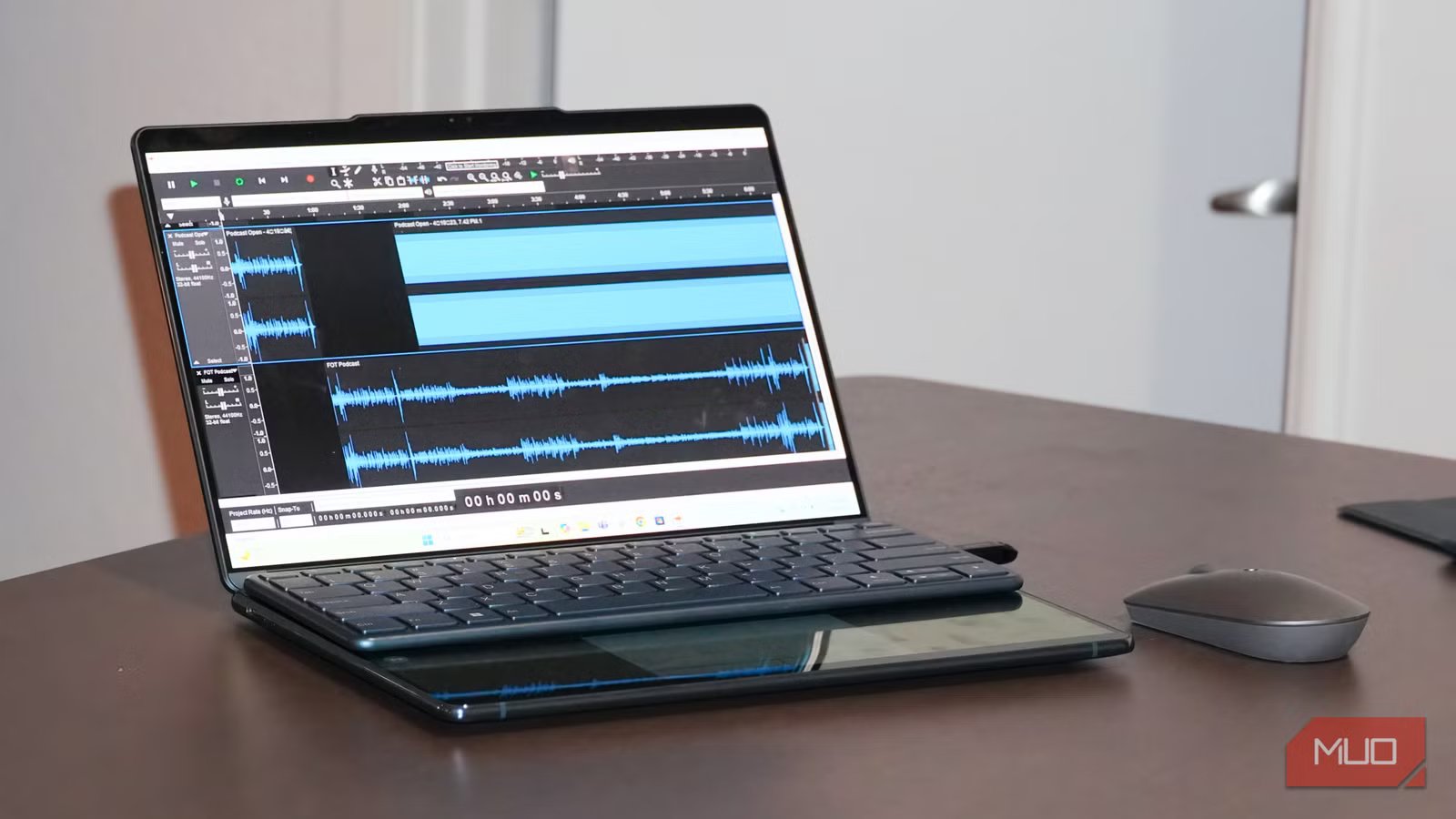
Audacity sets itself apart from other free audio tools with its spectral editing mode, which lets you view audio as a frequency map, allowing you to remove specific sounds with precision. This is a feature that Adobe Audition offers only on its $22.99/month plan.
However, Audacity’s support for VST3 plugins is an element that is easy to miss but of great significance. This allows you to access the same professional effects chains that paid DAWs use. Audacity’s reach is huge, exceeding 114 million downloads just on FossHub. This tool has been used in recording full albums, yet it’s free with no premium tiers.

- OS
-
Windows, macOS, Linux
- Developer
-
Dominic Mazzoni
Audacity is an open-source and cross-platform audio editing tool.
Free can be better
Paying for a tool often means you are getting extra value, but the creators behind this software did not see it that way; they found a way to give more value without charging a cent. Most of these tools are open source, which makes them even more fascinating, but what keeps me using them isn’t that they are free, but simply that they bring real fluidity and functionality to daily workflows.



