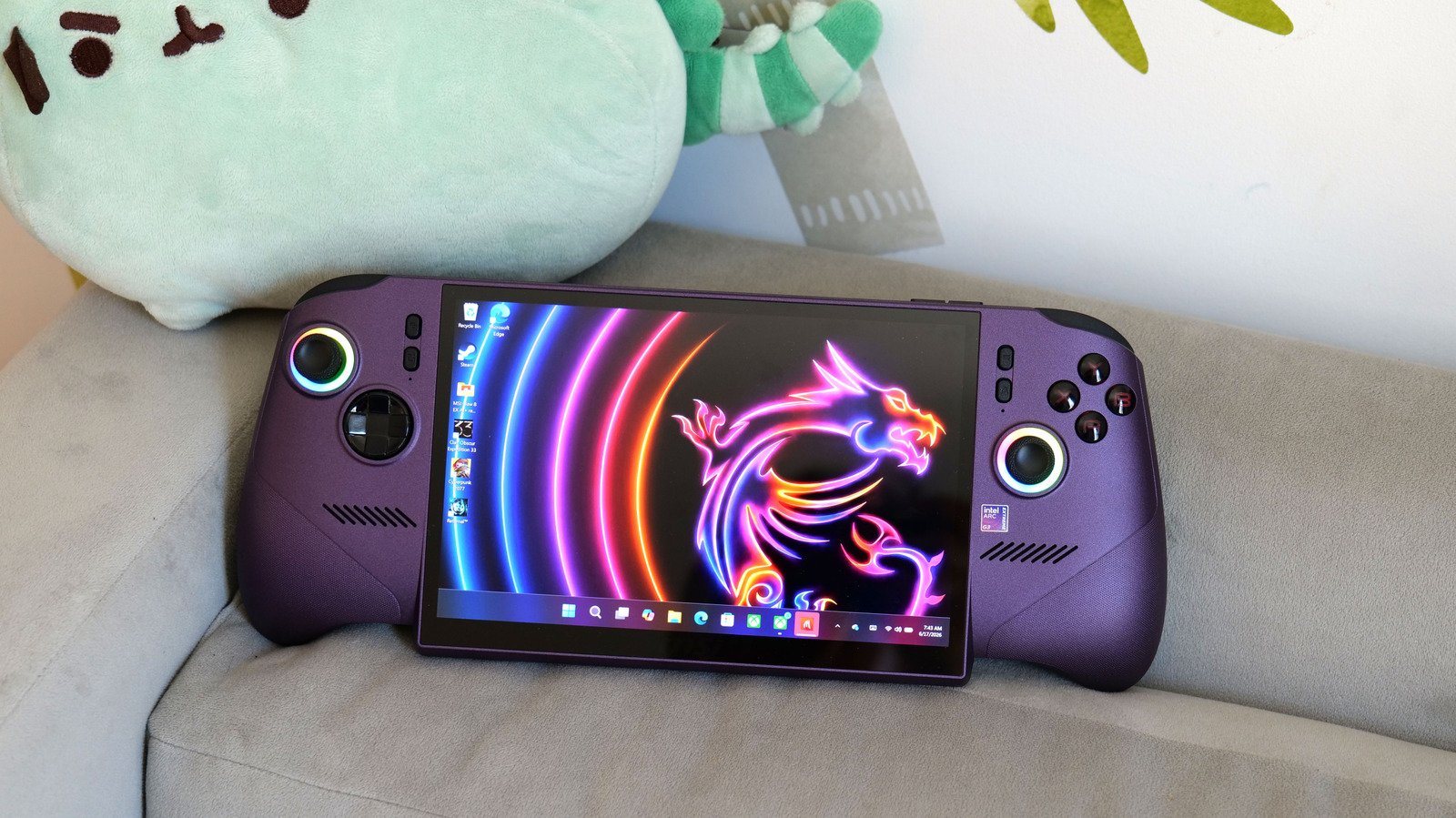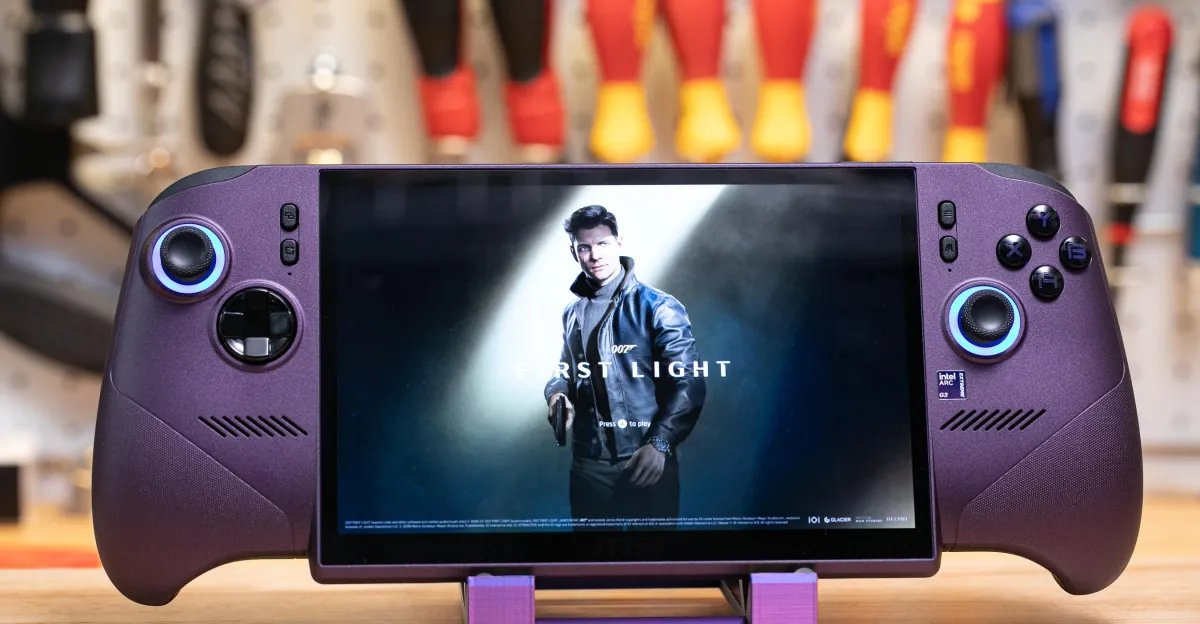
This is not a review of the MSI Claw 8 EX AI Plus, the first gaming handheld available with Intel’s new Arc G3 Extreme handheld gaming chip. Now that my colleague Sean Hollister is done reviewing the Steam Machine, I’ll let him go deep on the new Claw at some point in the future. This article, instead, is my first impressions of the new MSI Claw as someone who primarily plays games on a Steam Deck OLED. Sean called the Claw the “next-gen handheld,” and I wanted to find out: Would it be a worthwhile upgrade for Deck fans like me? Could it possibly be worth the eye-watering $1,799 price?
For me, the Claw has a high bar to clear. The $789 Steam Deck OLED is my favorite handheld — maybe my favorite gadget — since the original Nintendo Switch. It’s comfortable to hold, has a great-looking display, and has a good enough battery to survive pretty much any evening of gaming for me. It lets me play the vast majority of my Steam library wherever I want. But the Deck isn’t great for every game I own; top-of-the-line AAA games occasionally play poorly, with muddy graphics, bad frame rates, or both. I will suffer through those drawbacks for many games, but every once in a while, I turn to my PS5 for titles that don’t work well on the Deck.
I tested a few games on the new Claw, all while running on battery, that push the limits of the Steam Deck OLED to see how they compare, including this year’s excellent 007 First Light, Final Fantasy VII Remake Intergrade (which I want to play through again before the Remake trilogy concludes next year), and Clair Obscur: Expedition 33.
Without me changing a single setting, the improvements were immediately clear: All three looked much nicer than they do on my Steam Deck. In FFVII, Cloud’s spiky blonde hair in had fewer blurry edges, and I could actually see definition in his face when he was turned around. In a tricky firefight on an airfield in First Light, I had a much easier time seeing where the enemies were shooting me from.


Frame rates were much better, too. With FFVII, the Claw and the Deck both defaulted to 30fps, but after tweaking the frame rate settings, the game hovered between 70–100fps on the Claw, even during the boss fight against the Scorpion Sentinel, yet it struggled to consistently hit 60fps on the Deck. While wandering around First Light’s packed chess match at the fictional Grand Carpathian Hotel, I saw between 80–90fps — the Deck generally maintained about 35fps — and even when I cranked everything up to Ultra on the Claw, I was still getting around 60–70fps. 007 First Light’s default settings for both handhelds was 1280 x 800 at potato quality, however, so things don’t look markedly different on the Claw without some tweaking. But in motion the game looks and plays better.


Expedition 33 wasn’t quite as much of an improvement. From moment one, it looks much sharper on the Claw than it does on the Deck, where it’s often a fuzzy mess. On the Claw, the default settings in Expedition 33 kept a frame rate of around 30–40fps in the game’s opening area, but toggling on Intel’s XeSS upscaler and frame generation toggles gave me more like 70–90fps worth of smoothness.


However, there was a distracting graphical issue where characters and objects would get weird glowy or black artifacts around the edges in close-up shots during battles and cutscenes.


Each game did use more power on the Claw. In First Light, I generally saw battery drain of around 35W on the Claw and between 22–23W on the Deck, for example. But with the Claw’s larger 80Whr battery, compared to the Deck’s 50Whr battery, that means that both handhelds would theoretically get two full hours of battery life, despite the Claw’s improved graphics and frame rate.
I also threw a much lighter game at the Claw to see how efficient Intel’s chip might be compared to what’s available on the Steam Deck: Balatro, the roguelike poker game. Both handhelds sipped power during Balatro, draining the battery at around 14W and 9W, respectively. When I reduced each chip’s TDP to the lowest it could go while maintaining 60 frames per second, it looked like both the Claw and the Deck OLED would last a little over six hours, so no real upgrade there.

Photo by Sean Hollister / The Verge
Overall, gaming on the Claw feels great. But the Windows handheld software experience on the Claw is just awful compared to the straightforwardness of SteamOS on the Steam Deck. When I first booted the Claw, I had to go through various Windows setup screens and downloads and updates, and it took an hour and a half before I could even start finding my way to installing and setting up Steam. That might partly be poor Wi-Fi, but there were still way too many hoops to jump through, and I don’t enjoy confusingly bouncing between the four layers of Windows, Xbox Mode, MSI’s proprietary software, and Steam.
I also don’t think the Claw’s hardware is worth the premium over the Steam Deck OLED. The Claw has a few perks over the Deck, including a bigger 8-inch screen, drift-resistant Hall effect analog sticks, and prongs with a “laser-etched dot texture” that are easy to grip. But the Claw has an IPS LCD display that’s not as vibrant as the Deck’s OLED screen, it’s considerably heavier than the Deck (785g vs. 640g), and it doesn’t have the Deck’s built-in touchpads, which I like using as extra inputs for my games. The Menu and View buttons on the Claw felt just too far out of reach for my thumbs, making pausing a game a bit more trouble than it should be. And I don’t like the RGB lights around the Claw’s joysticks — the gamer glow has never been my vibe — though you can turn them off in settings.
So, to answer my original questions, is the Claw an upgrade to my Deck OLED? In my few hours of testing, I’m not convinced. Sure, I’m missing out on some power, but the Deck is a more comfortable device to hold and use for me. Is the Claw the better option for someone picking between it and a Deck OLED? That’s a trickier question to answer; Windows handhelds still have access to multiplayer games like Fortnite that don’t support Linux due to anti-cheat software. That flexibility and the improved performance might be the tipping point if you have $1,700 to spend on a handheld.
If you’re really on the fence, I’d recommend waiting for my colleague Sean’s deep dive. But I’m not giving up my Deck, and I don’t think you should rush to get the Claw, especially when there are still so many software issues that need to be worked out. They just aren’t worth dealing with on a device about a grand more expensive than Valve’s.